
Role
Lead Designer
Team
Engineering Manager, 1 Engineer, UX Manager
Platform
Desktop, Mobile

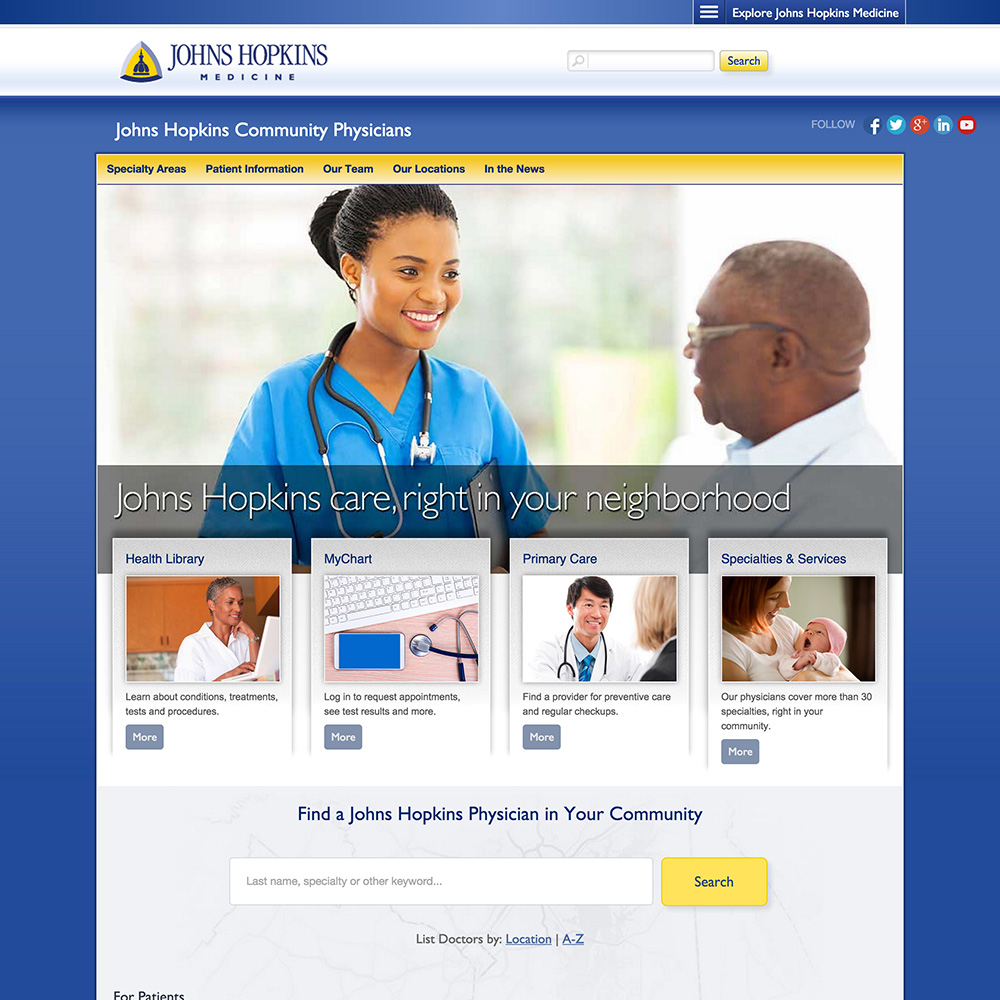
The Find a Doctor tool offers patients advanced search options (e.g. location, specialty or keyword) and in-depth profiles.
Objectives
- Increase appointment bookings
- Reduce friction for users who are overwhelmed by the options
- Organize the doctor profiles to be more scannable and comprehensive.
- Enhance the search results page.
Homepage
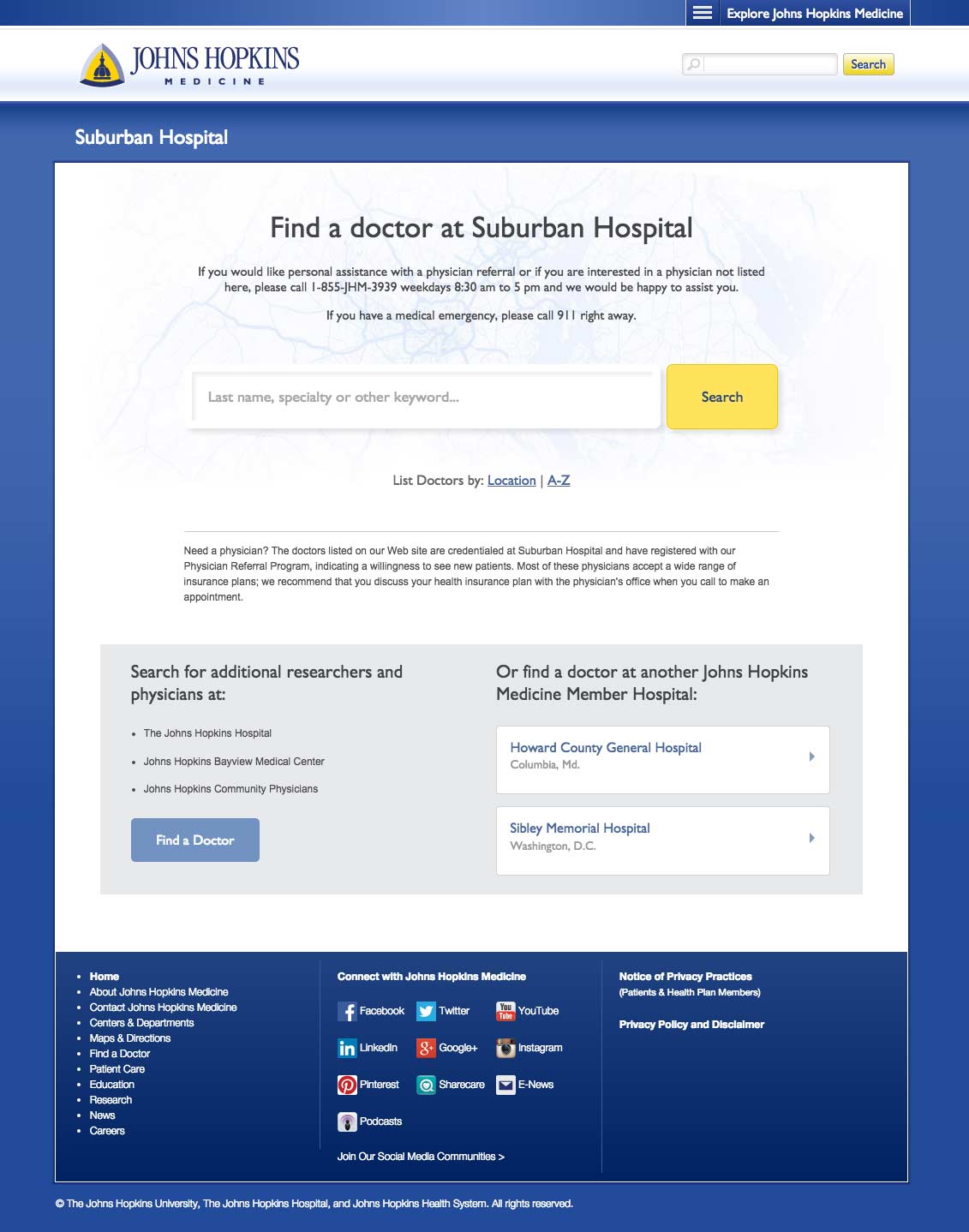
Using our Foresee survey results we implemented a multi-layered solution that caters to the most common user profiles. Search was often the first step for users so we expanded it to search by keyword, specialty or name.
Providing a lists for locations and A-Z accounted for the remaining users as well as offering links to the other hospitals under Johns Hopkins Medicine.
Search Results
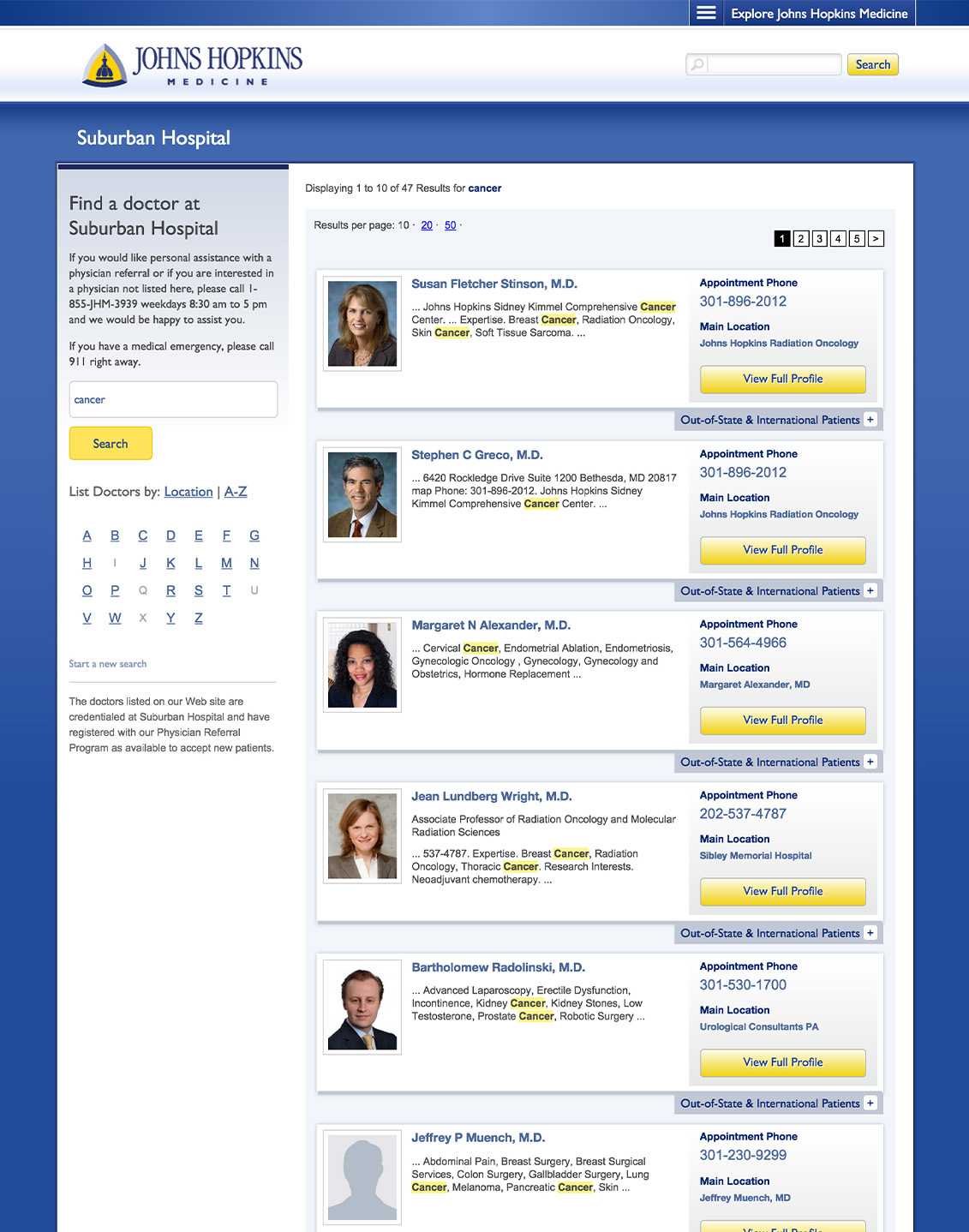
We added the left sidebar pre-populated with their current search, allowing the user to refine if necessary. The search term was also highlighted within the result card profile snippets. Since booking an appointment is a pain point, we increased visibility for location and phone number by adding them to the result cards. Due to the high volume of out-of-state and international patients, I designed an expanding panel that included their specific contact information.
Profiles
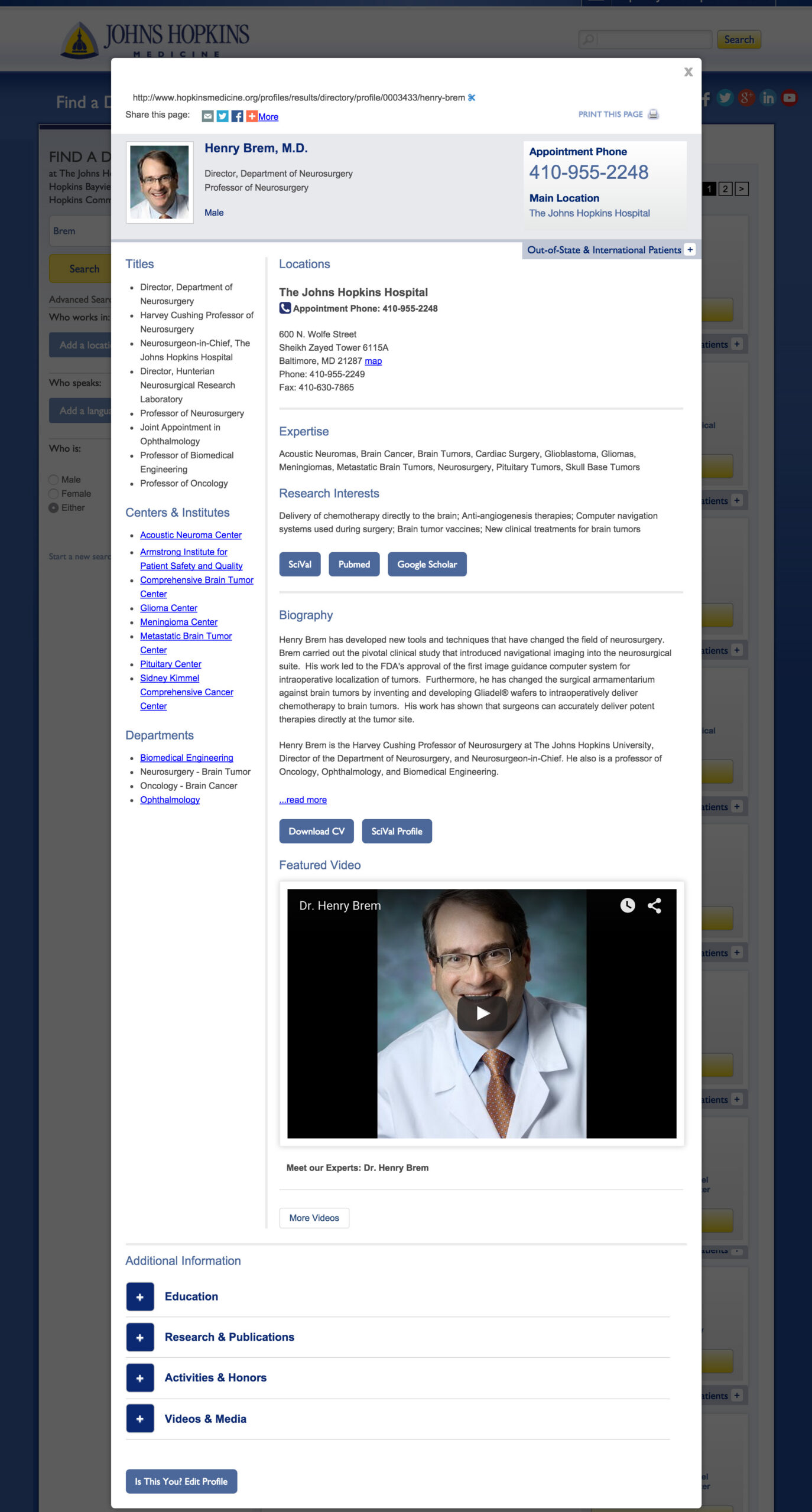
With this update, I had to organize a lot of content with priority above the fold. The challenge was that the doctors didn’t always agree on what information was most important for the user. There were a few compromises, and overall, the profiles were well received by patients and caregivers.