Tag: Interaction

  • Find a Doctor Tool

    Find a Doctor Tool

    Role
    Lead Designer

    Team
    Engineering Manager, 1 Engineer, UX Manager

    Platform
    Desktop, Mobile

    Johns Hopkins Medicine

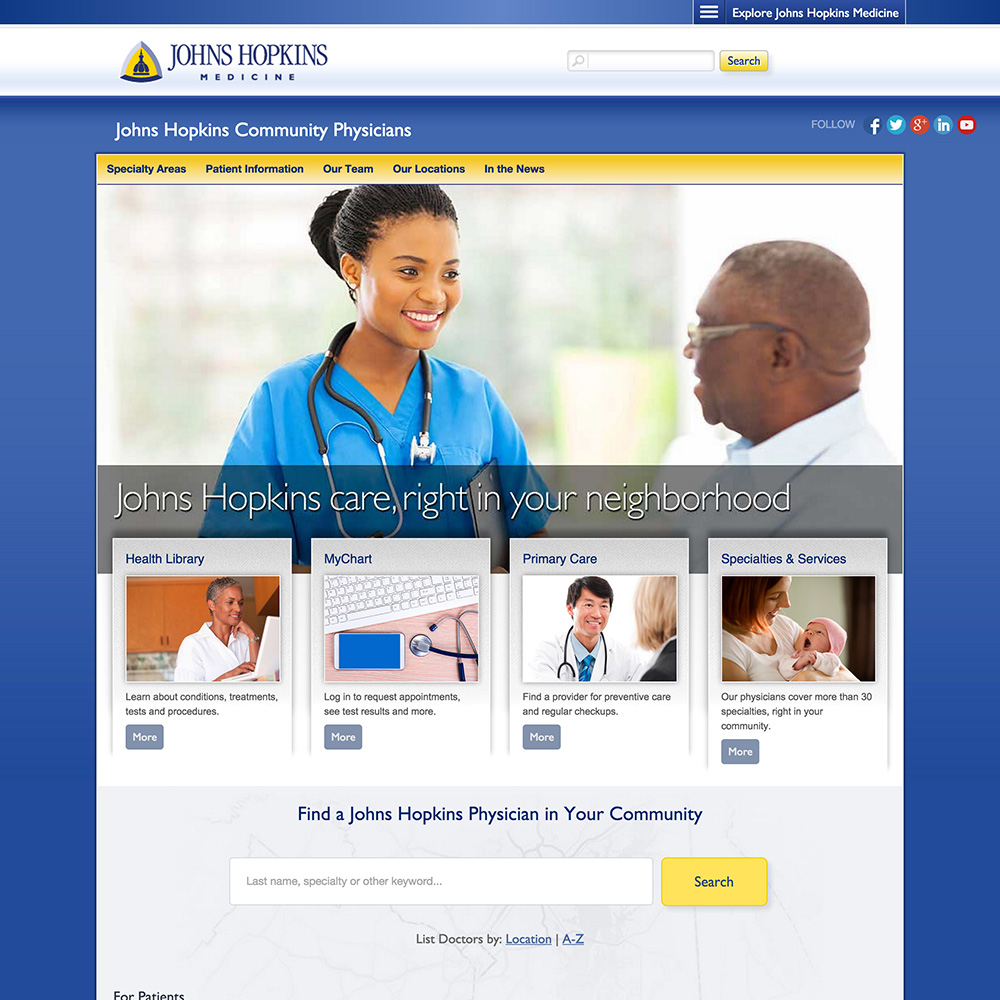
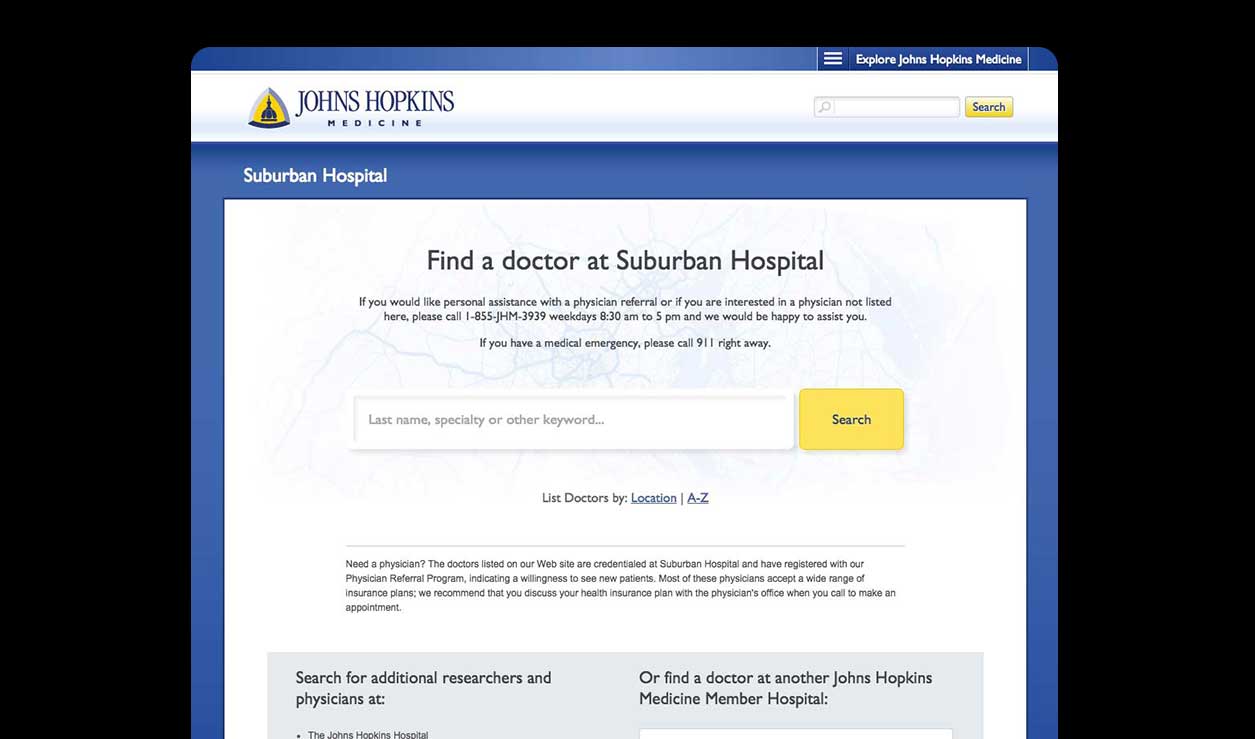
    The Find a Doctor tool offers patients advanced search options (e.g. location, specialty or keyword) and in-depth profiles.

    Objectives

    • Increase appointment bookings
    • Reduce friction for users who are overwhelmed by the options
    • Organize the doctor profiles to be more scannable and comprehensive.
    • Enhance the search results page.

    Homepage

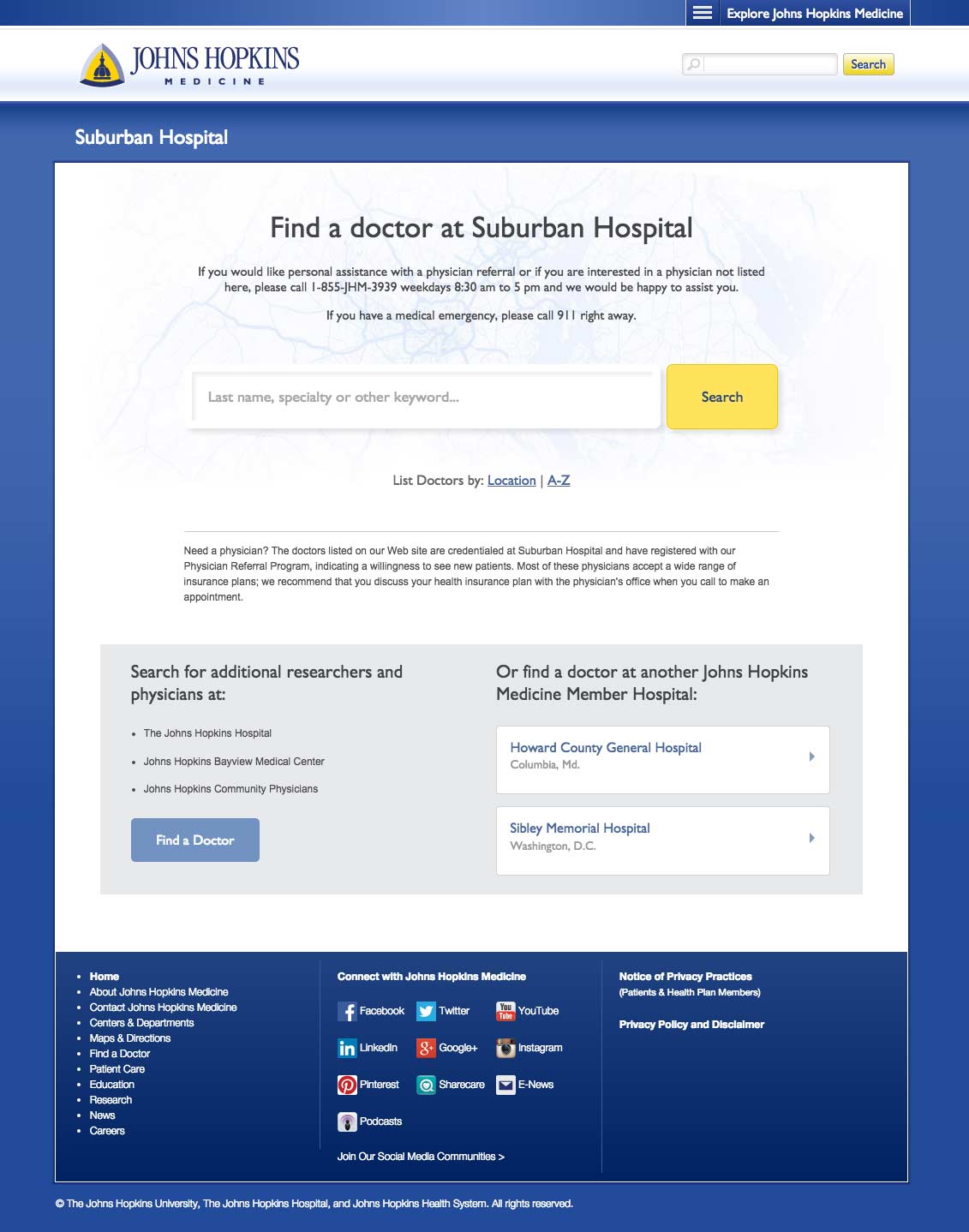
    Using our Foresee survey results we implemented a multi-layered solution that caters to the most common user profiles. Search was often the first step for users so we expanded it to search by keyword, specialty or name.

    Providing a lists for locations and A-Z accounted for the remaining users as well as offering links to the other hospitals under Johns Hopkins Medicine.
    Search Results

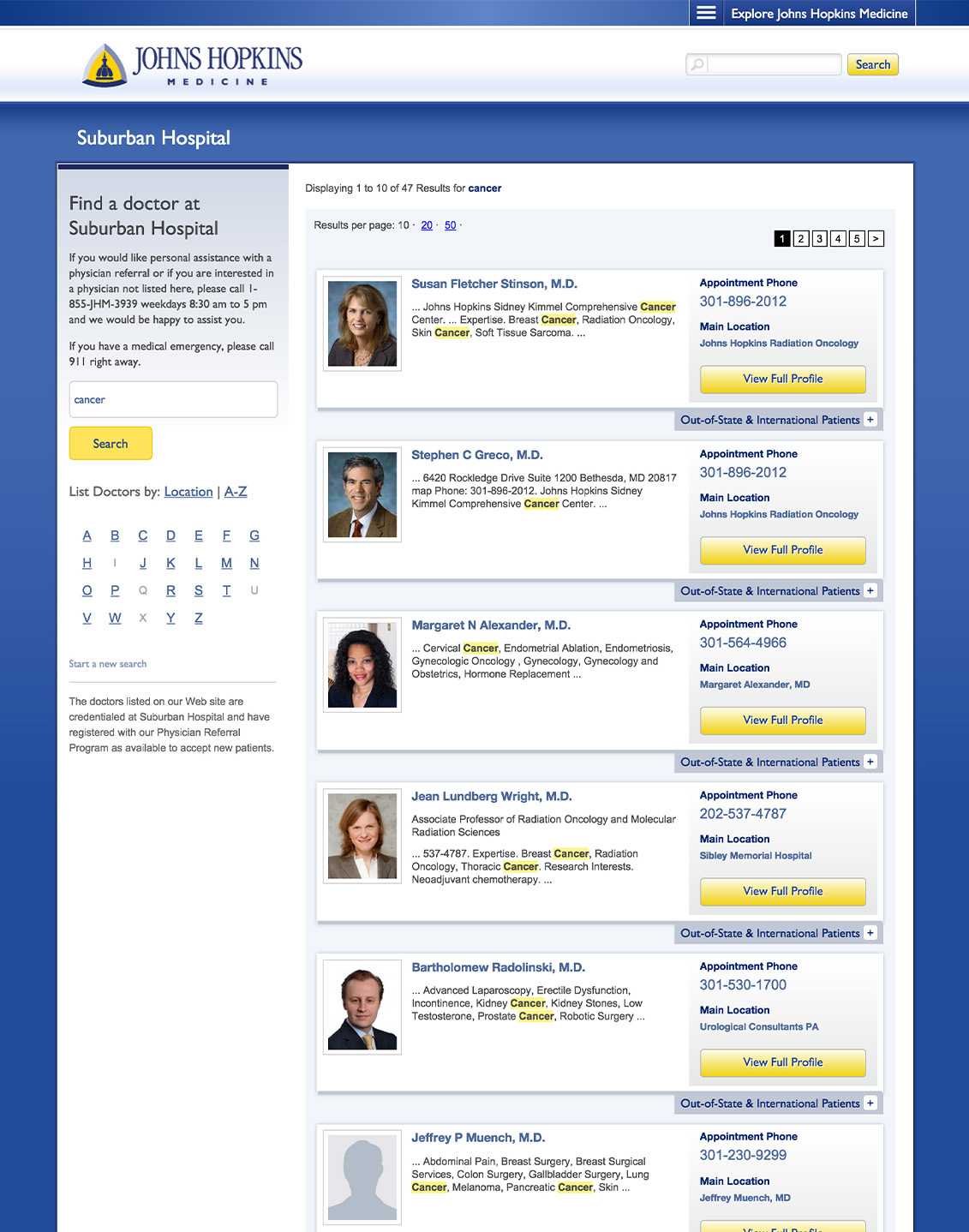
    We added the left sidebar pre-populated with their current search, allowing the user to refine if necessary. The search term was also highlighted within the result card profile snippets. Since booking an appointment is a pain point, we increased visibility for location and phone number by adding them to the result cards. Due to the high volume of out-of-state and international patients, I designed an expanding panel that included their specific contact information.
    Profiles

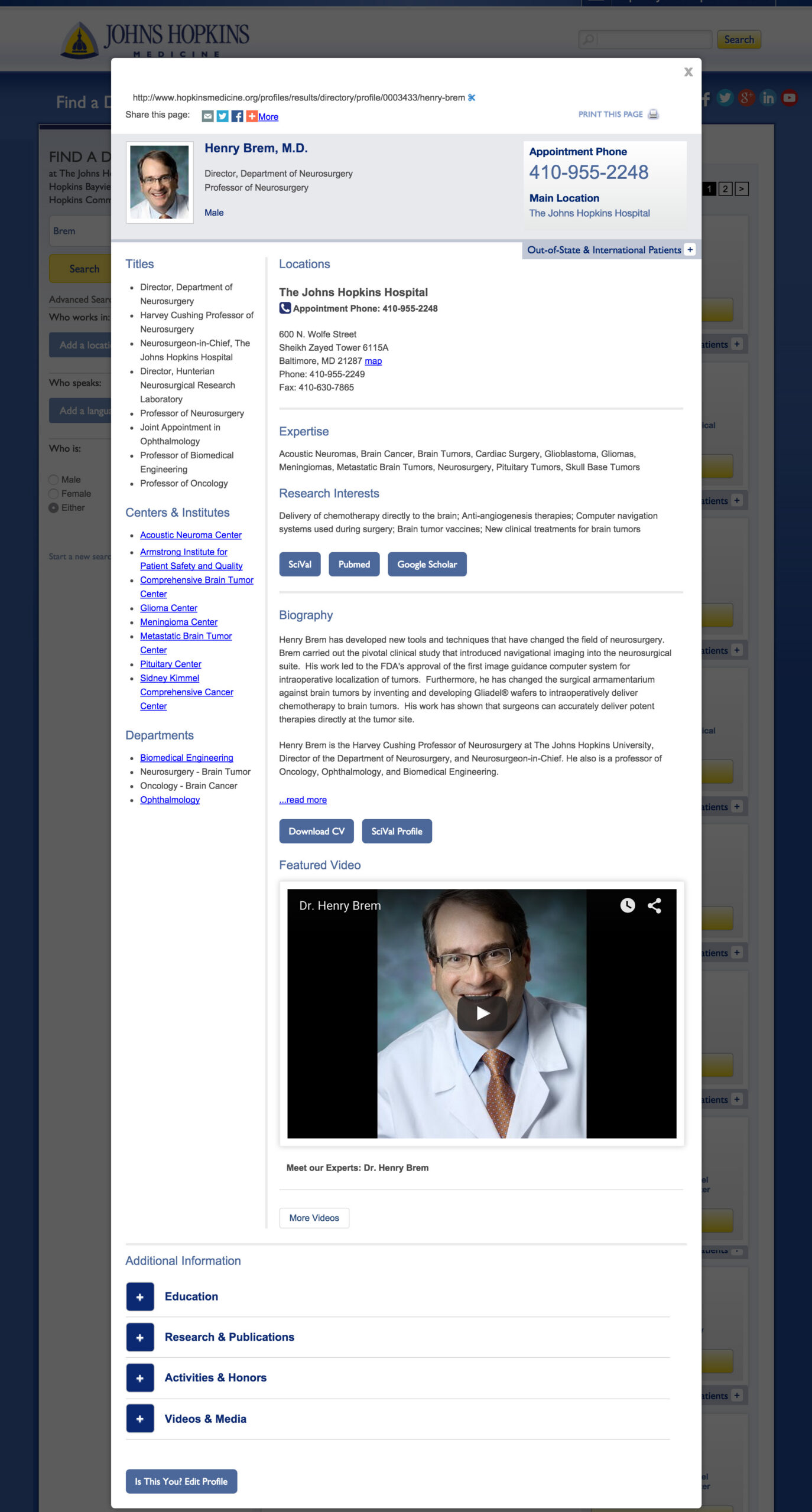
    With this update, I had to organize a lot of content with priority above the fold. The challenge was that the doctors didn’t always agree on what information was most important for the user. There were a few compromises, and overall, the profiles were well received by patients and caregivers.
  • Print to Digital

    Print to Digital

    Role
    Lead Designer

    Team
    Project manager, 1 Engineer, Editorial Manager, Editorial Art Director

    Platform
    Desktop, Mobile

    Johns Hopkins Medicine

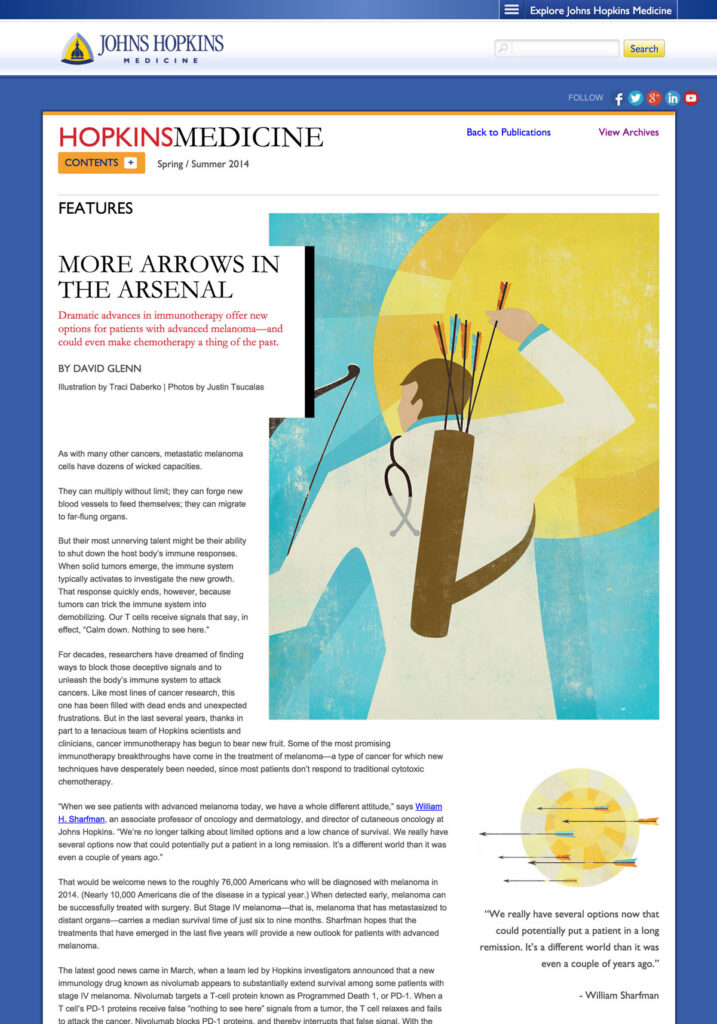
    A well-loved print publication needed a digital version that was consistent in it’s content structure and bold, artistic imagery.

    Challenges

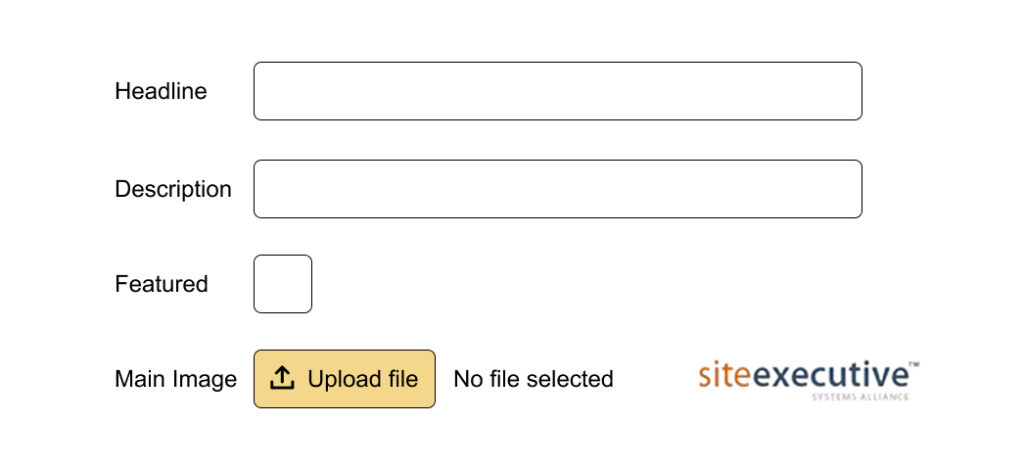
    • Create a user friendly admin for the editorial team to add their content.
    • Keep the artistic aesthetic of the print magazine.
    • The entire online experience should compliment the flow of the publication.

    Front-end

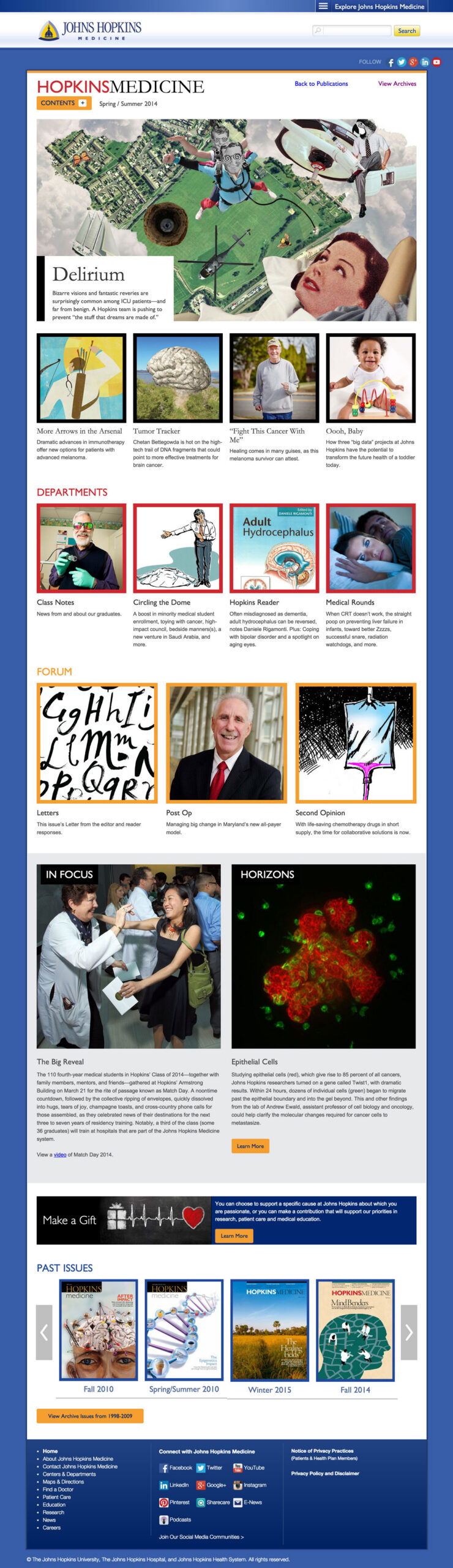
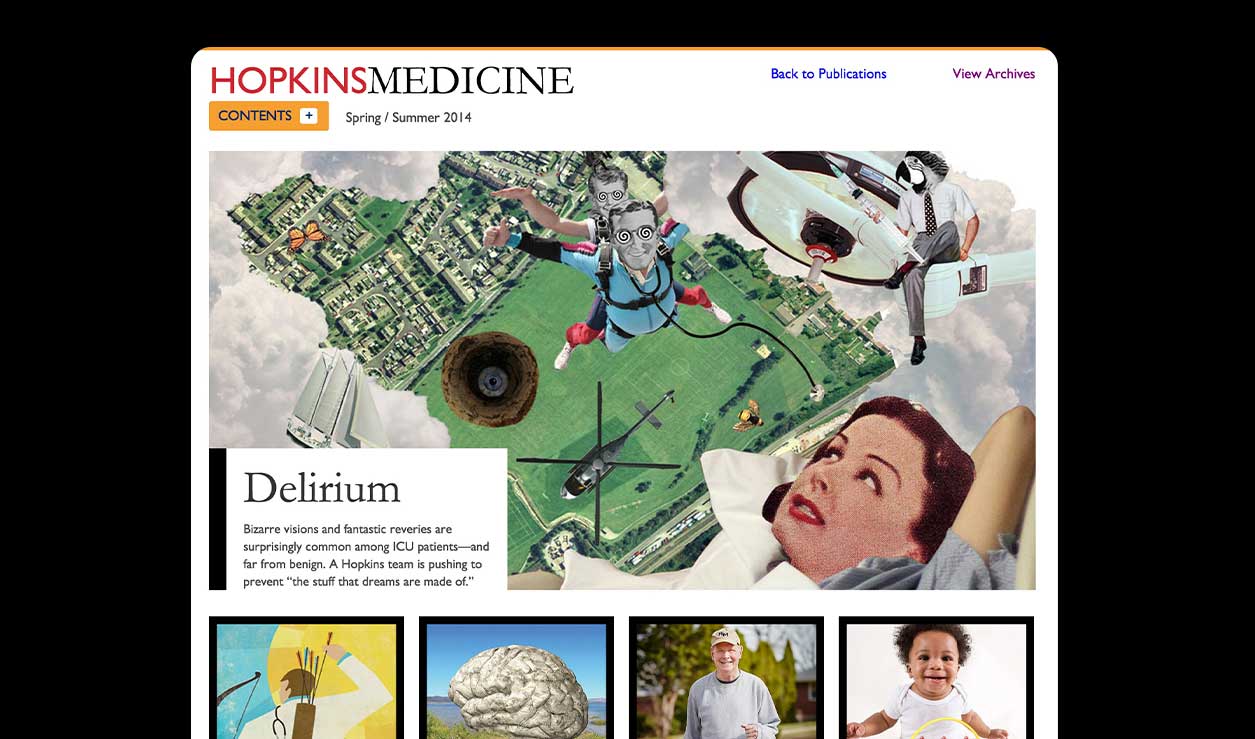
    The magazine had a bold color palette with strong frames and borders. I incorporated these elements throughout the design. I made the cover article the focus of the homepage to further showcase the impactful imagery from commissioned artists and photographers.
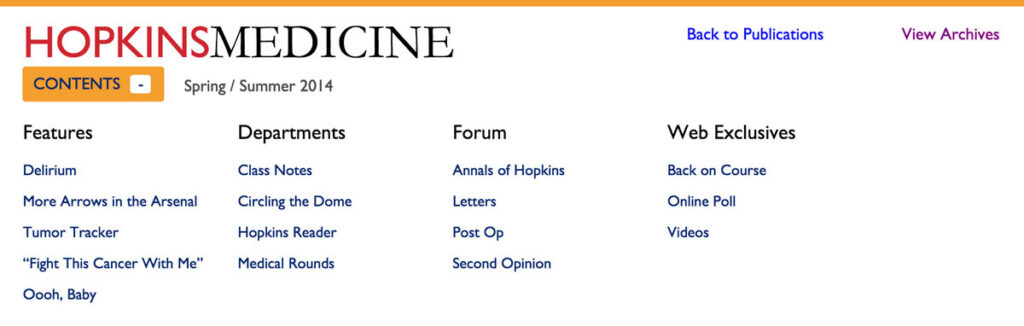
    The navigation followed the publication format for a cohesive experience.

    Winner

    Digital Health Awards

    GOLD / Hopkins Medicine Magazine (School of Medicine Alumni) / Division: Health System / Audience: Health Professionals / Classification: Digital Health Media / Publications. / Category: Magazine
    Additional Pub

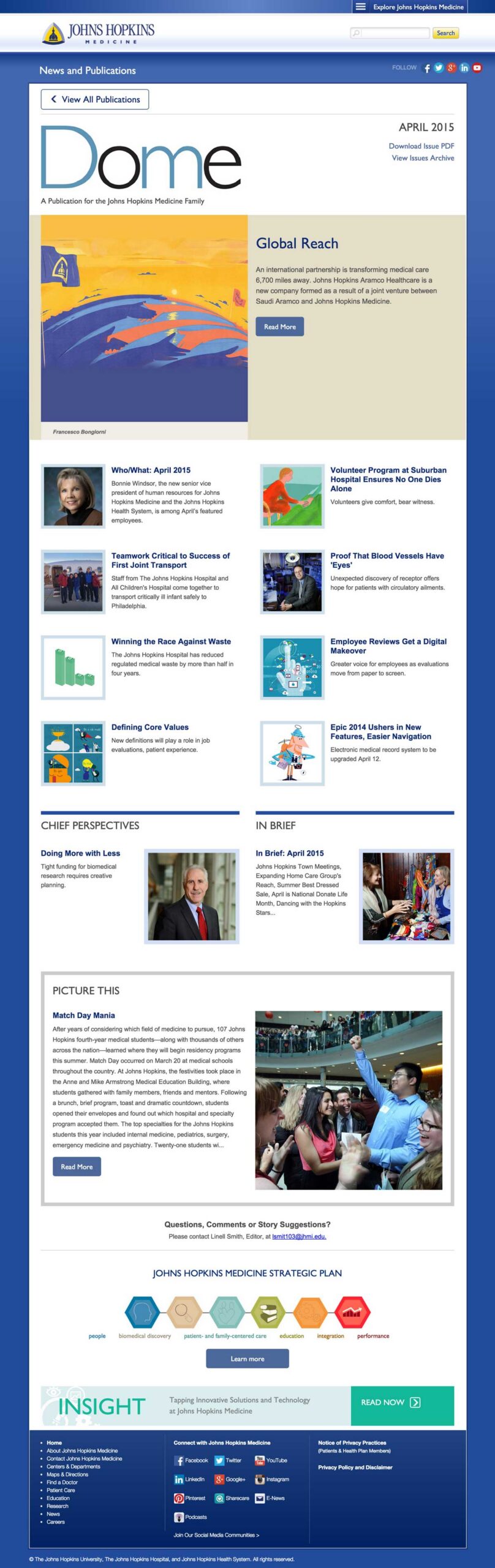
    I also designed the digital version of the Dome, a magazine for staff of Johns Hopkins Medicine. This design also used the bold lines but I shifted to a softer color palette to differentiate between them.

    Winner

    Digital Health Awards

    MERIT / Dome (Staff Newsletter) / Division: Health System / Audience: Health Professionals / Classification: Digital Health Media / Publications. / Category: Newsletter

  • Dynamic Strategy

    Dynamic Strategy

    Role
    Lead Designer

    Team
    Project manager, 1 Engineer, Account Manager

    Platform
    Desktop, Mobile, CTV (Connected TV)

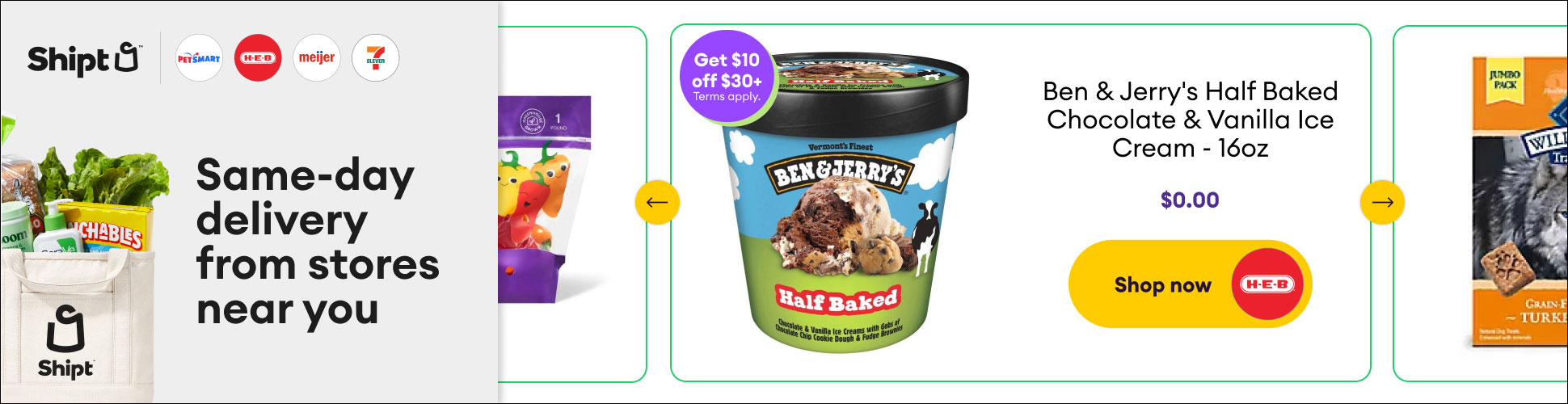
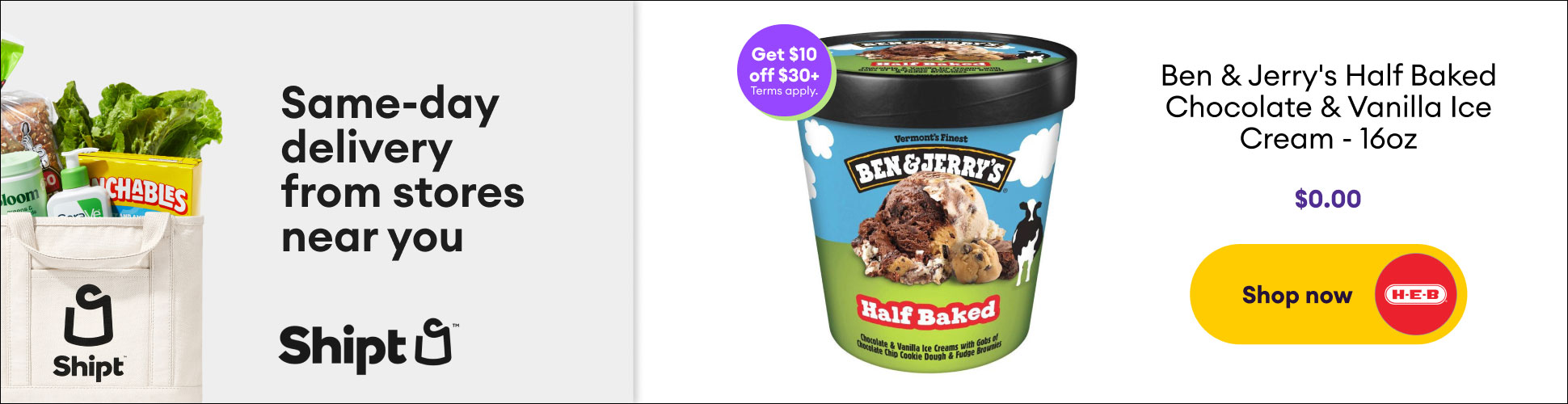
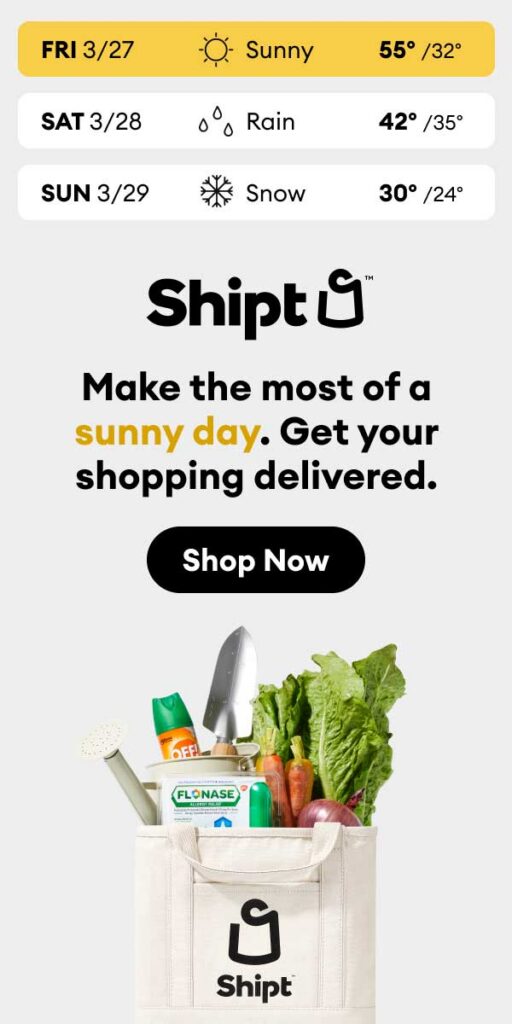
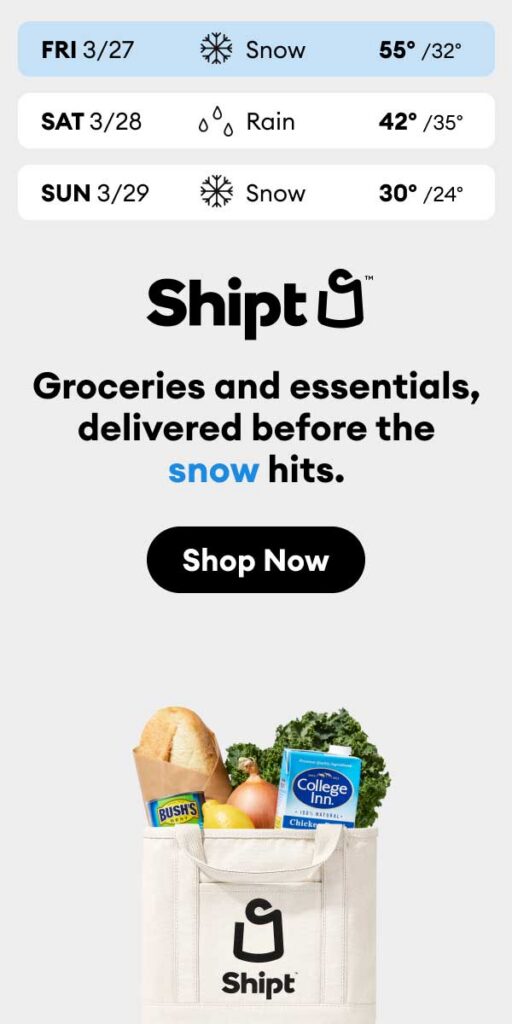
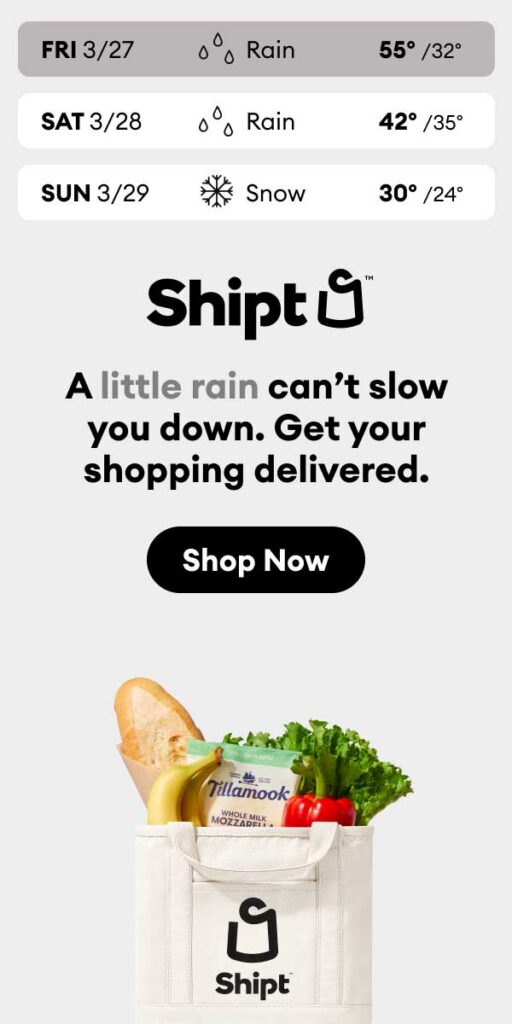
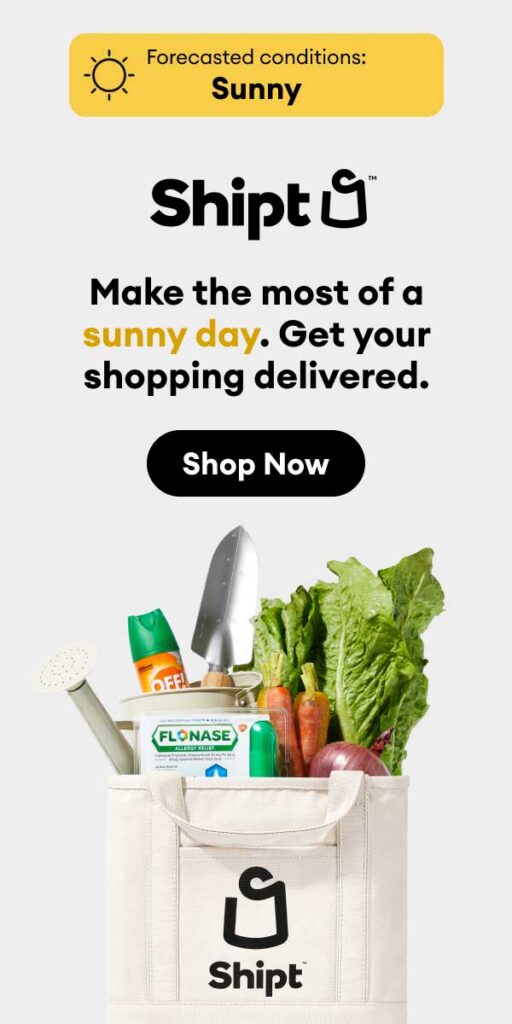
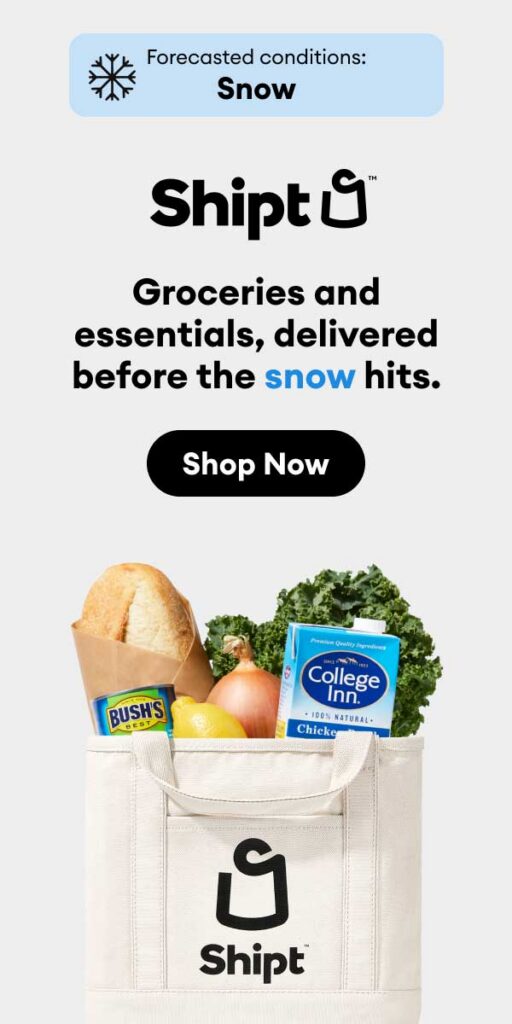
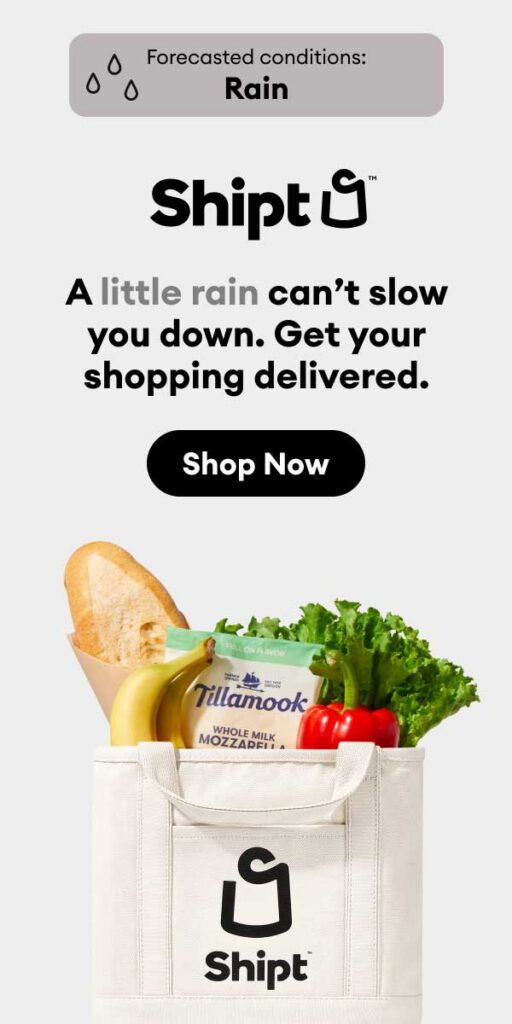
    I have been the designer for Shipt’s dynamic strategy for about 8 months. Our relationship with their agency has strengthened, enabling us to work efficiently while keeping the brand’s integrity at the forefront and delivering stronger outcomes.

    Product Feed Template

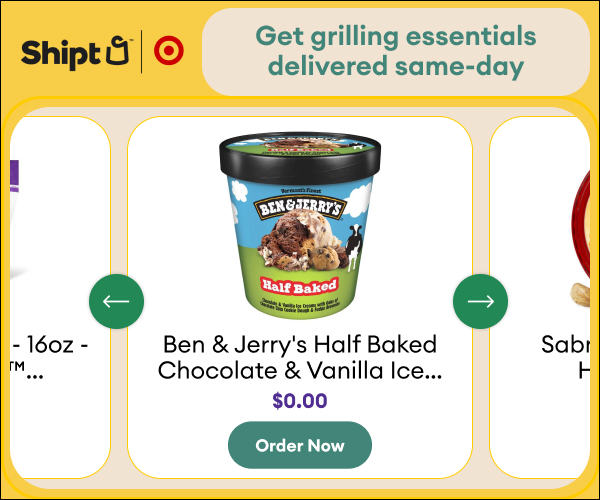
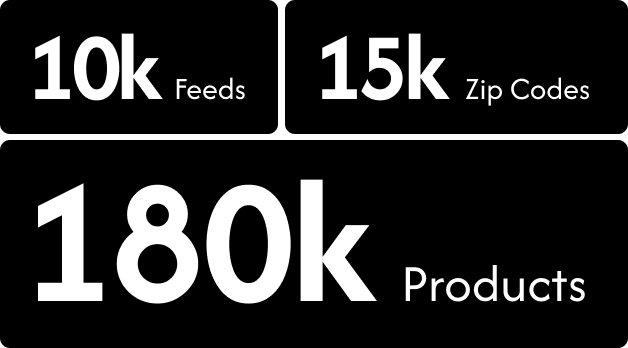
    Shipt wanted to run local, in-stock product ads to the right in-market audiences. Using legacy tools this would have required a costly and consuming 1.2 million unique creatives.

    The evergreen template was designed for running throughout the year in between seasonal promotions. I created two variations: single retailer and multi-retailer (displaying up to 5). When multi-retailers were listed, the CTA would show the logo for the retailer offering the product.

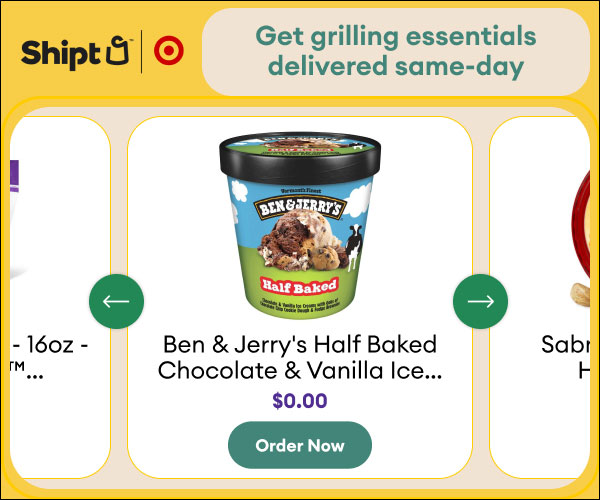
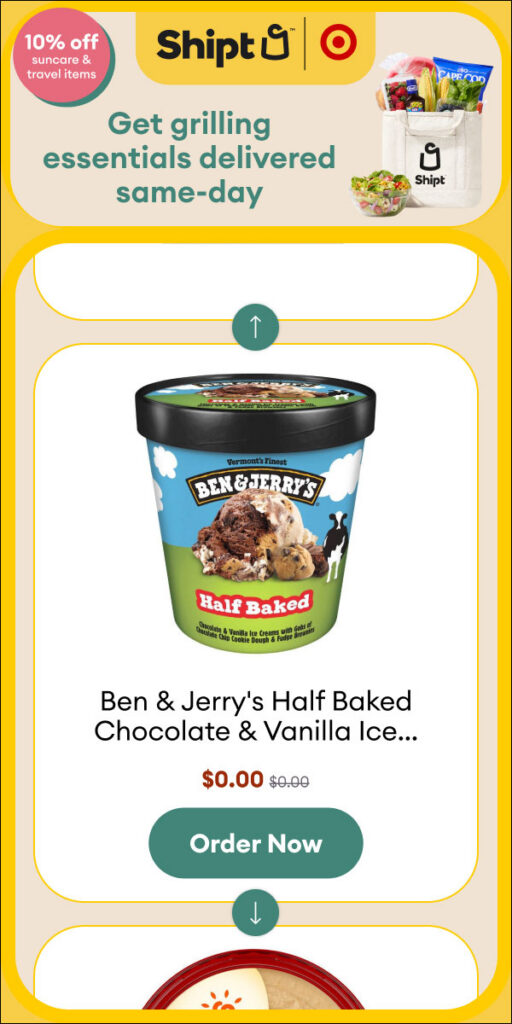
    Summer Template

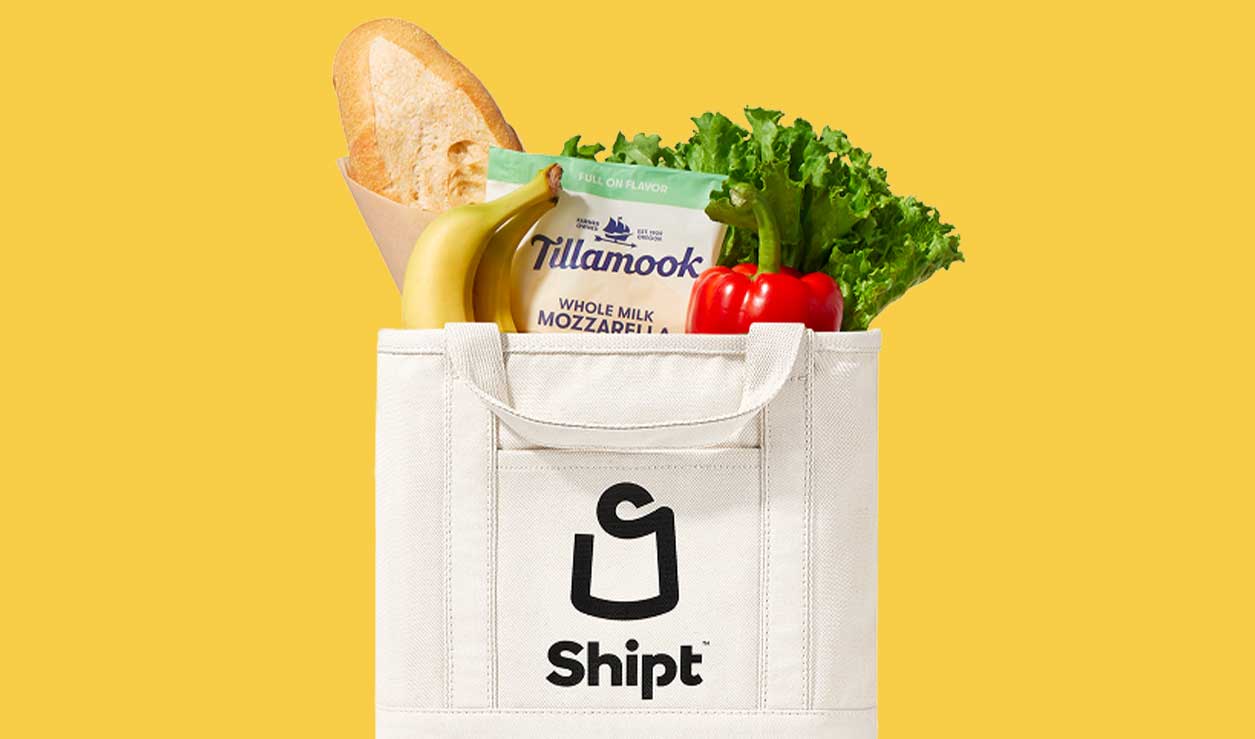
    The summer template was requested based on some brand changes for the season as well as dynamic changes to the creative based on pre-determined themes. The headline, bag images and savings stickers were updated for the frequent promotions.

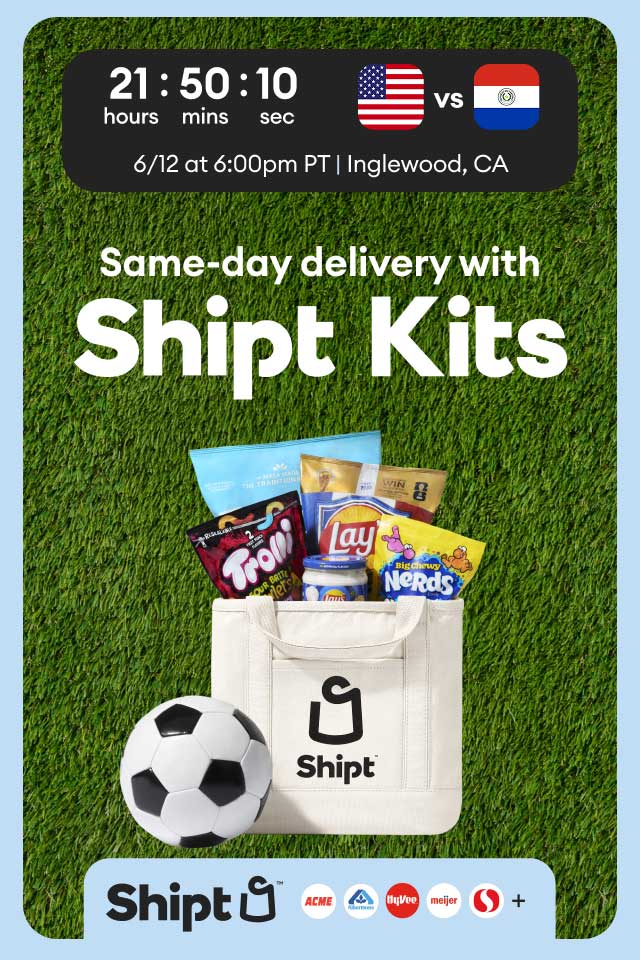
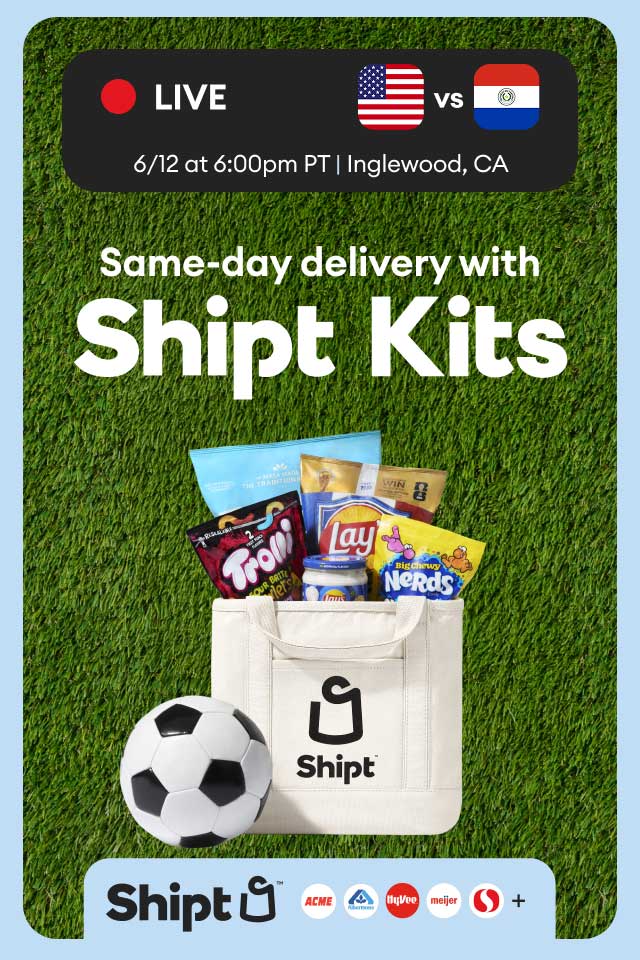
    World Cup

    • Promoting Shipt Kits for World Cup fans
    • Include a countdown leading up to the next US game then switch to live
    • Adapted client provided creative to include a custom countdown and game details

  • Travel Planning Tool

    Travel Planning Tool

    Role
    Lead Designer

    Team
    Project manager, 1 engineer, Account Manager

    Platform
    Mobile

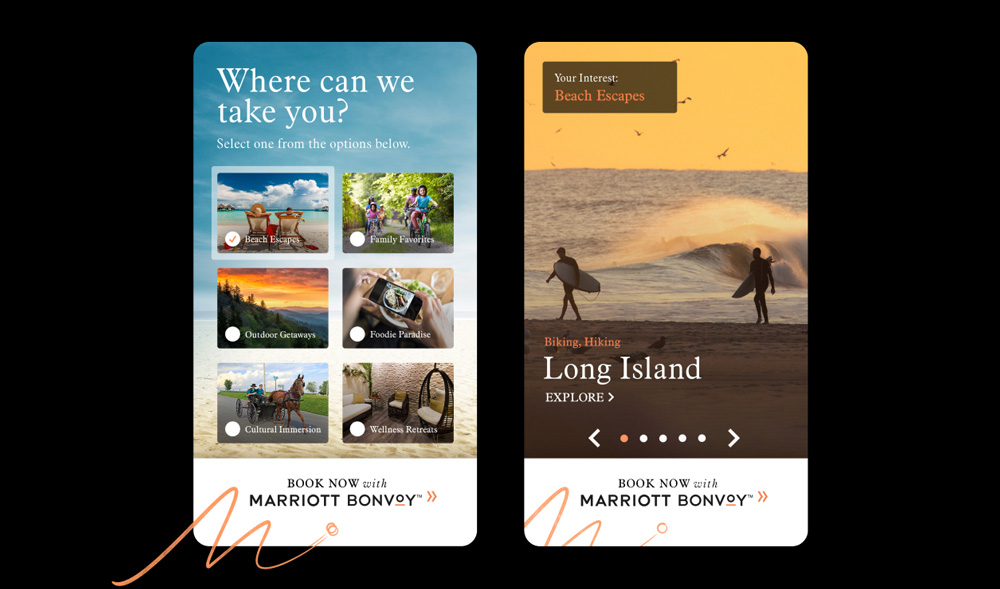
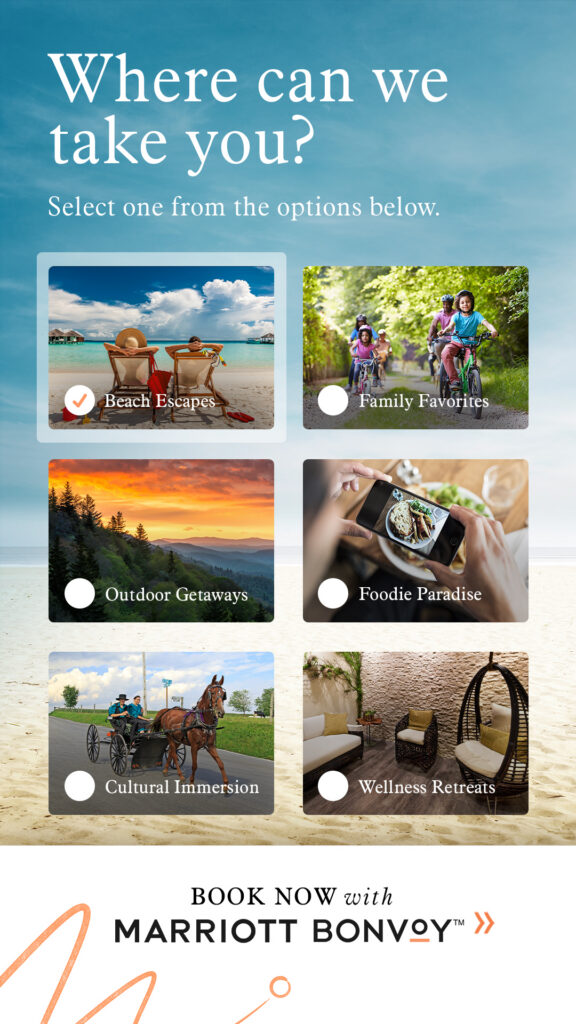
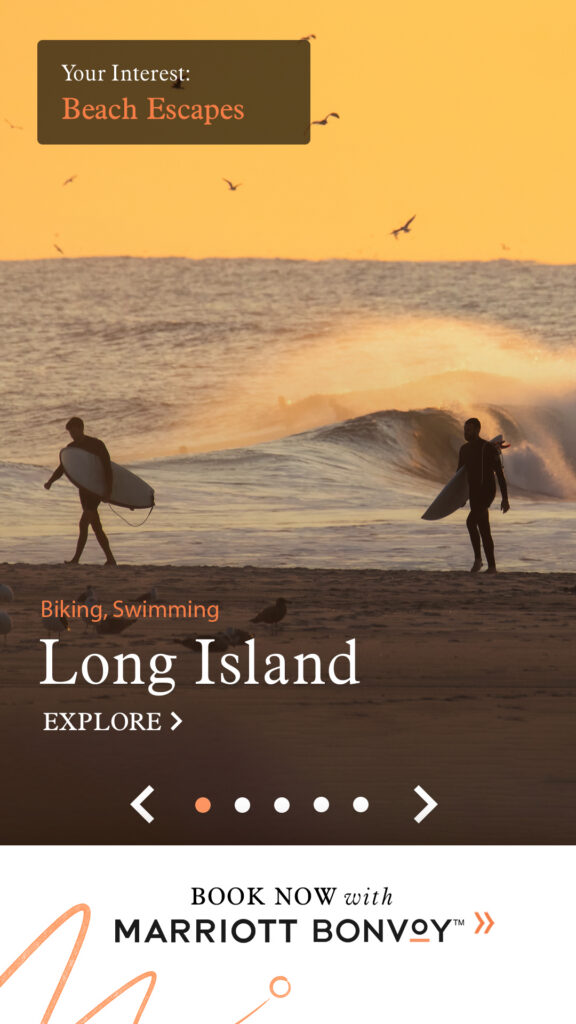
    A custom mobile ad experience providing personalized destination recommendations based on consumer passion points and travel interests.

    Campaign Objectives

    • Increase brand awareness
    • Attract new customers
    • Drive bookings with increased efficiency and return on investment

    Solution

    The tool leveraged user location data to deliver a highly personalized experience that guided travelers toward drivable destinations matched to their specific activity interests.

  • Upload Tool Redesign

    Upload Tool Redesign


    Role

    Lead Product Designer

    Team
    Project manager, 2 engineers, Director of Engineering

    Platform
    Web

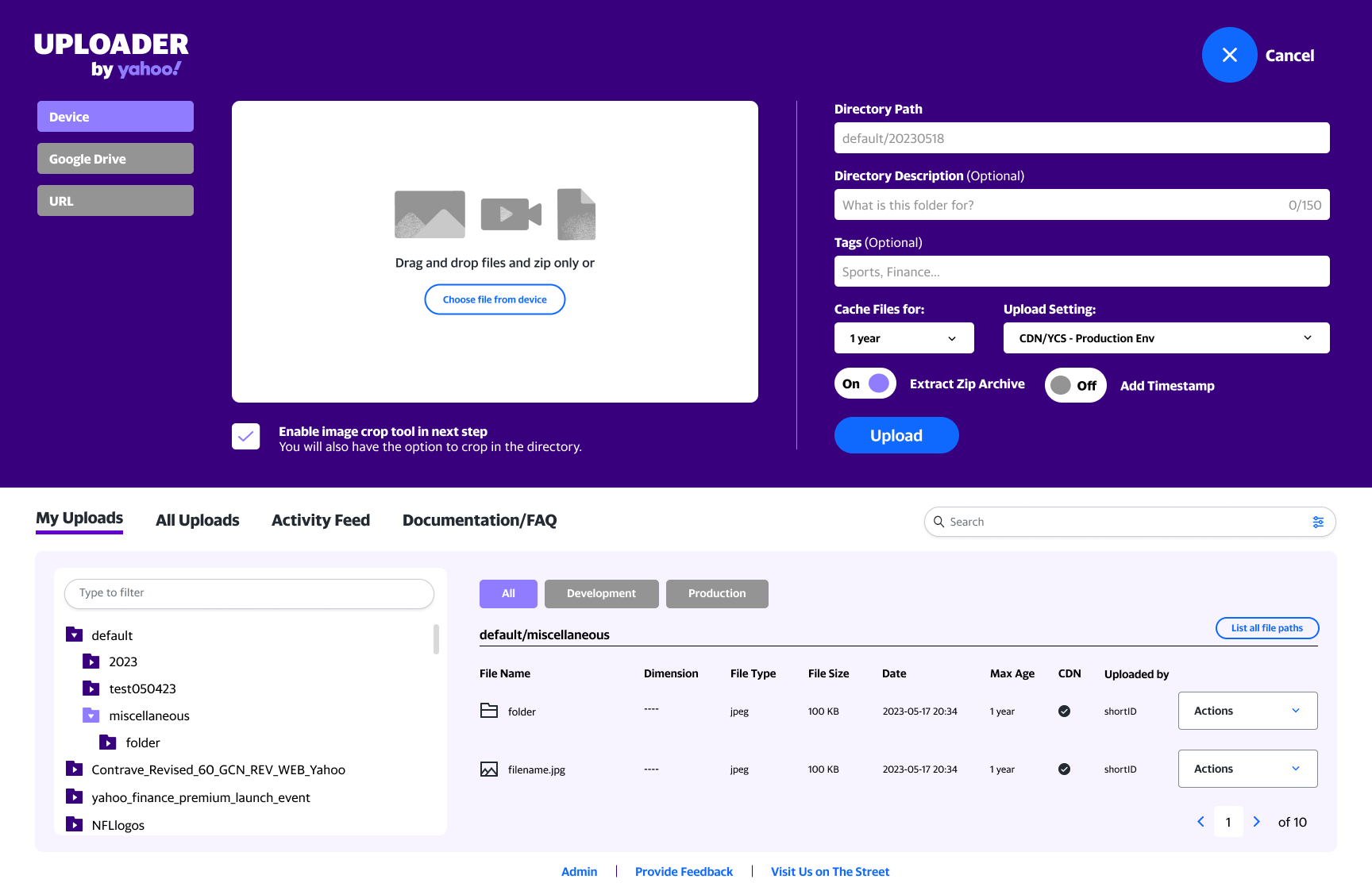
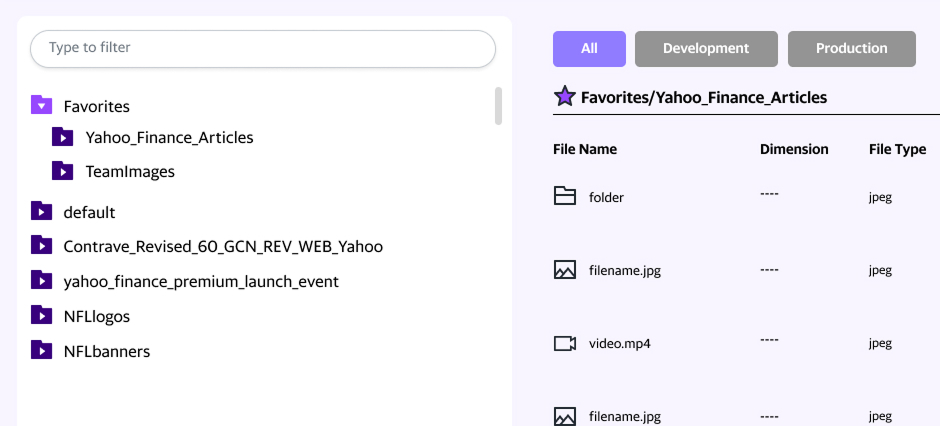
    Yahoo’s uploader tool provides editorial and advertising teams access to a CDN for hosting assets across the ecosystem. Most commonly these assets are used in Yahoo property content (News, Sports, Finance, etc) as well the company intranet.

    The Problem

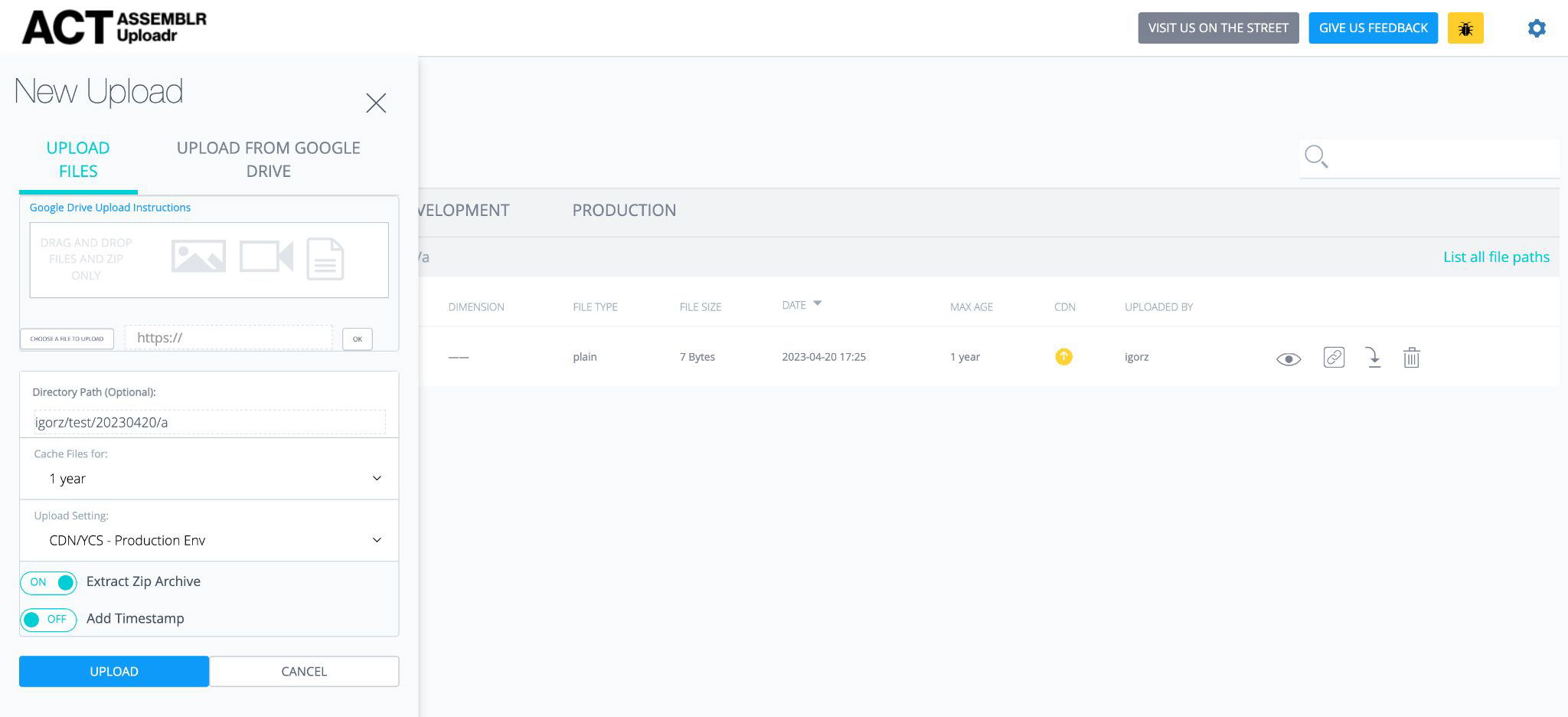
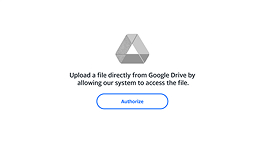
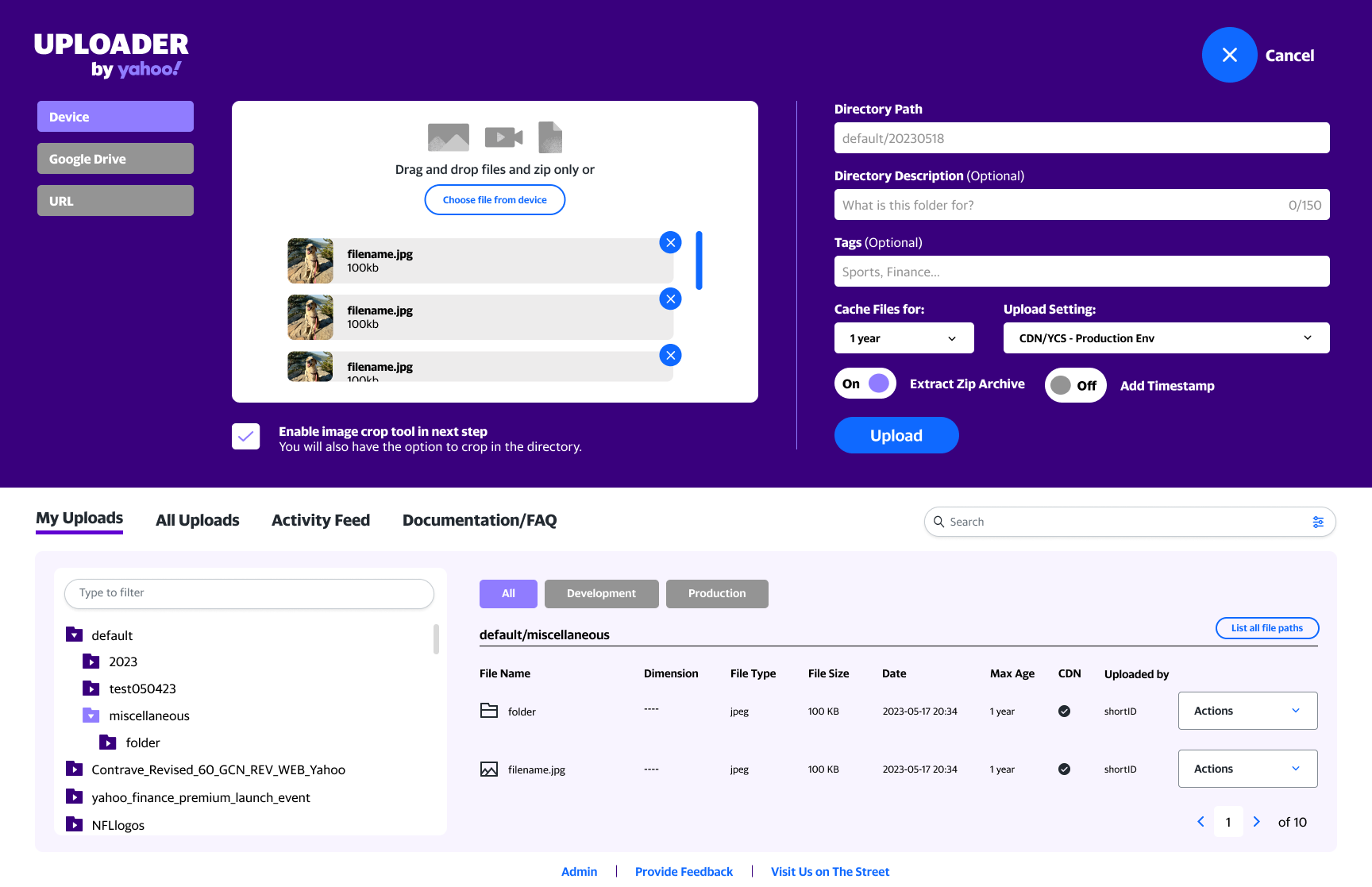
    The tool provided a basic solution for the user. They could upload their assets and transcode their videos but this often required more steps than necessary. Additional tools were necessary to crop images before the upload process. There was also confusion as to how a CDN worked resulting in frequent question fielding by engineers.

    Research methods used:

    • Survey feedback from power users
    • Brainstorm with engineering to discover their pain points and listen to ideas
    • Analytics review

    Key Findings

    Finding #1

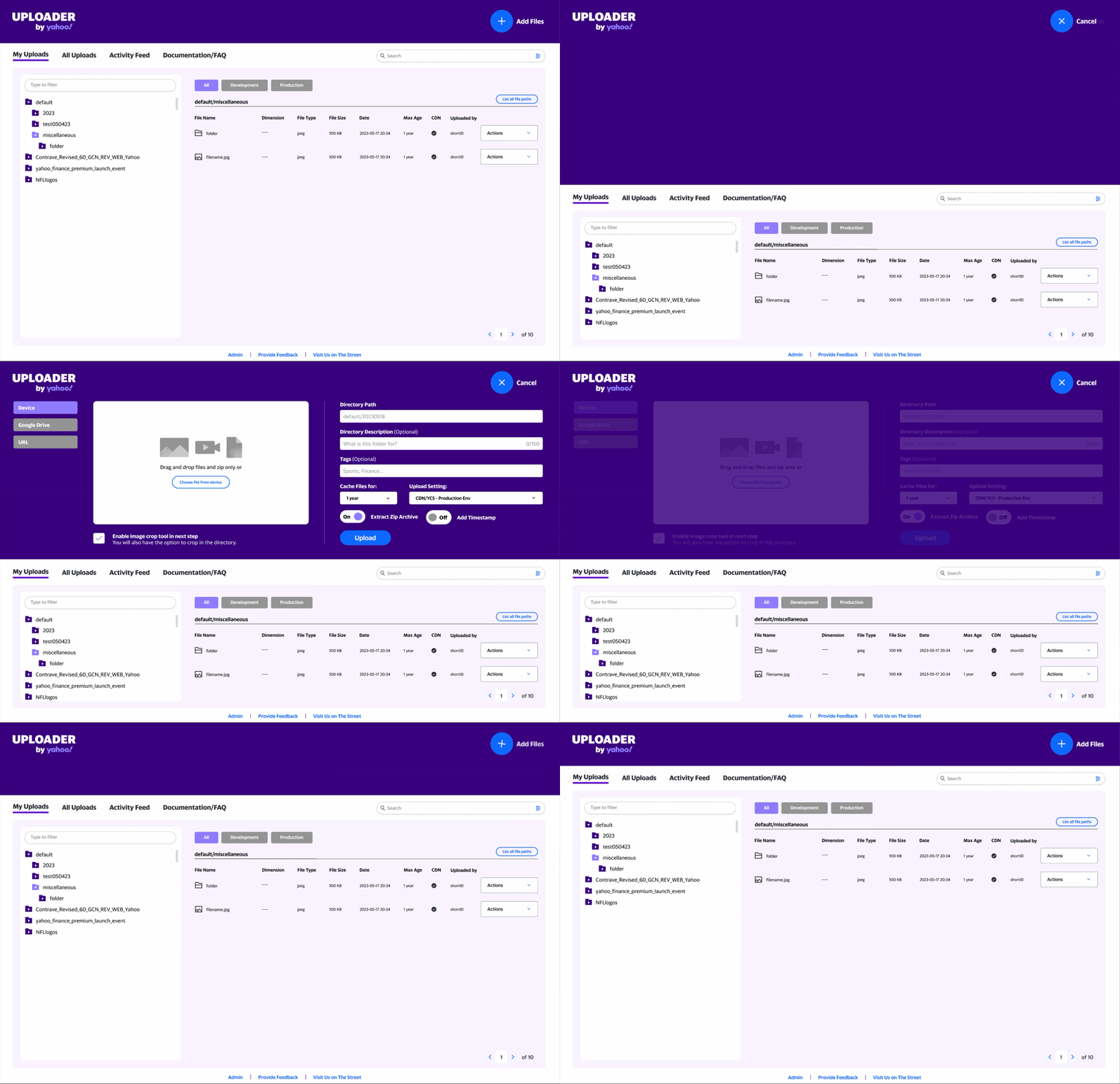
    Overall user flow needed improvement.

    Finding #2

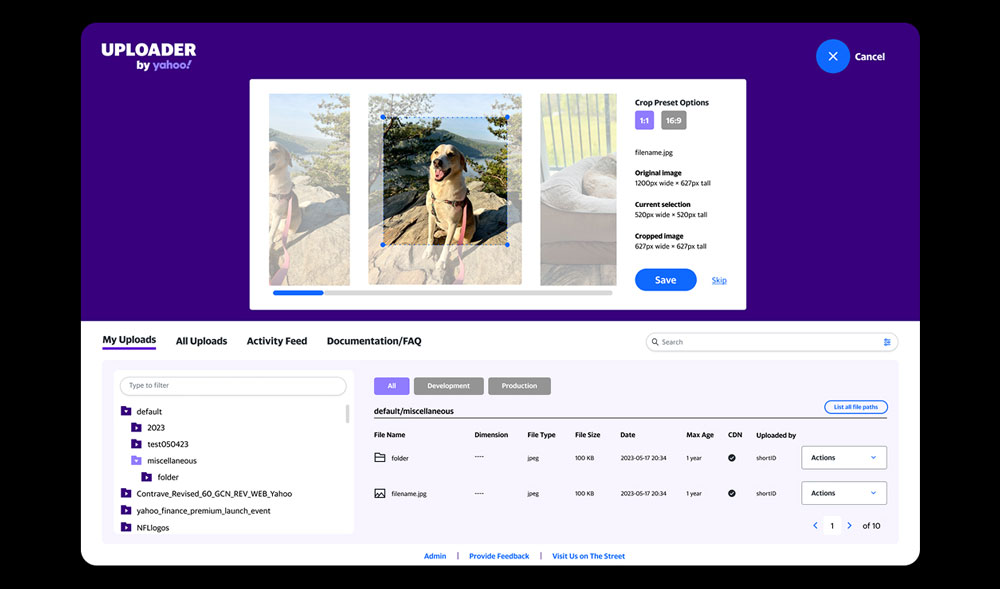
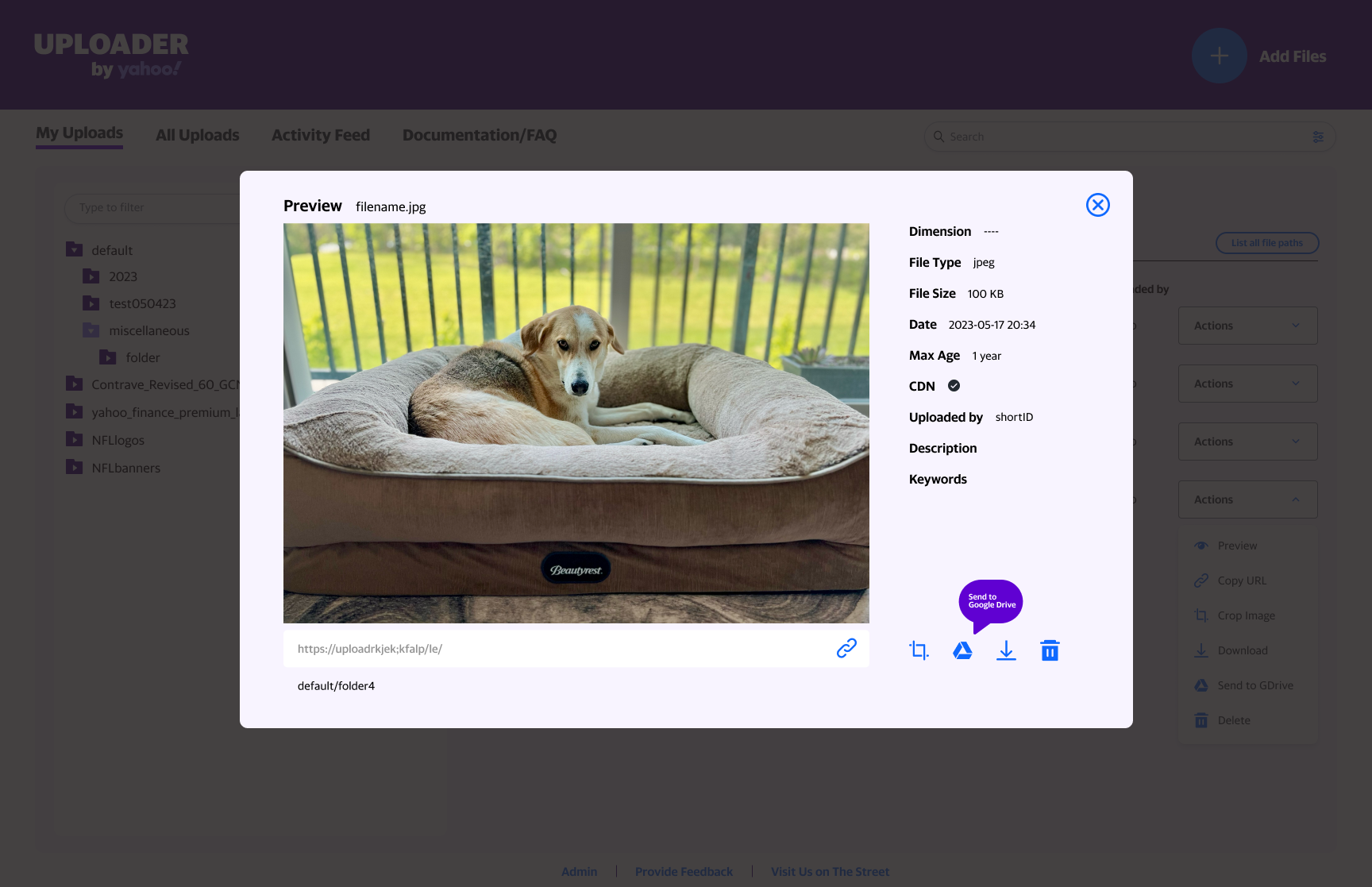
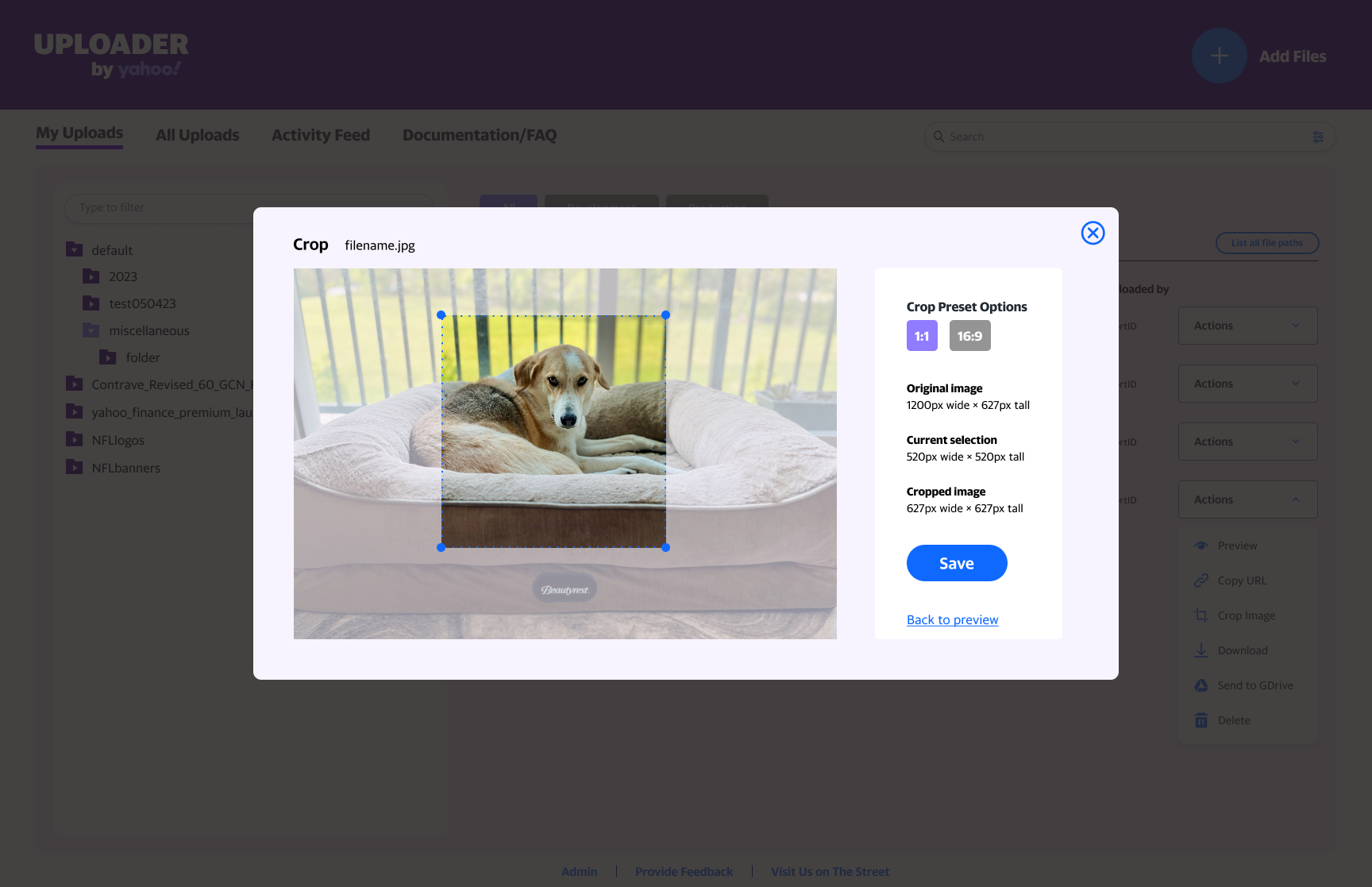
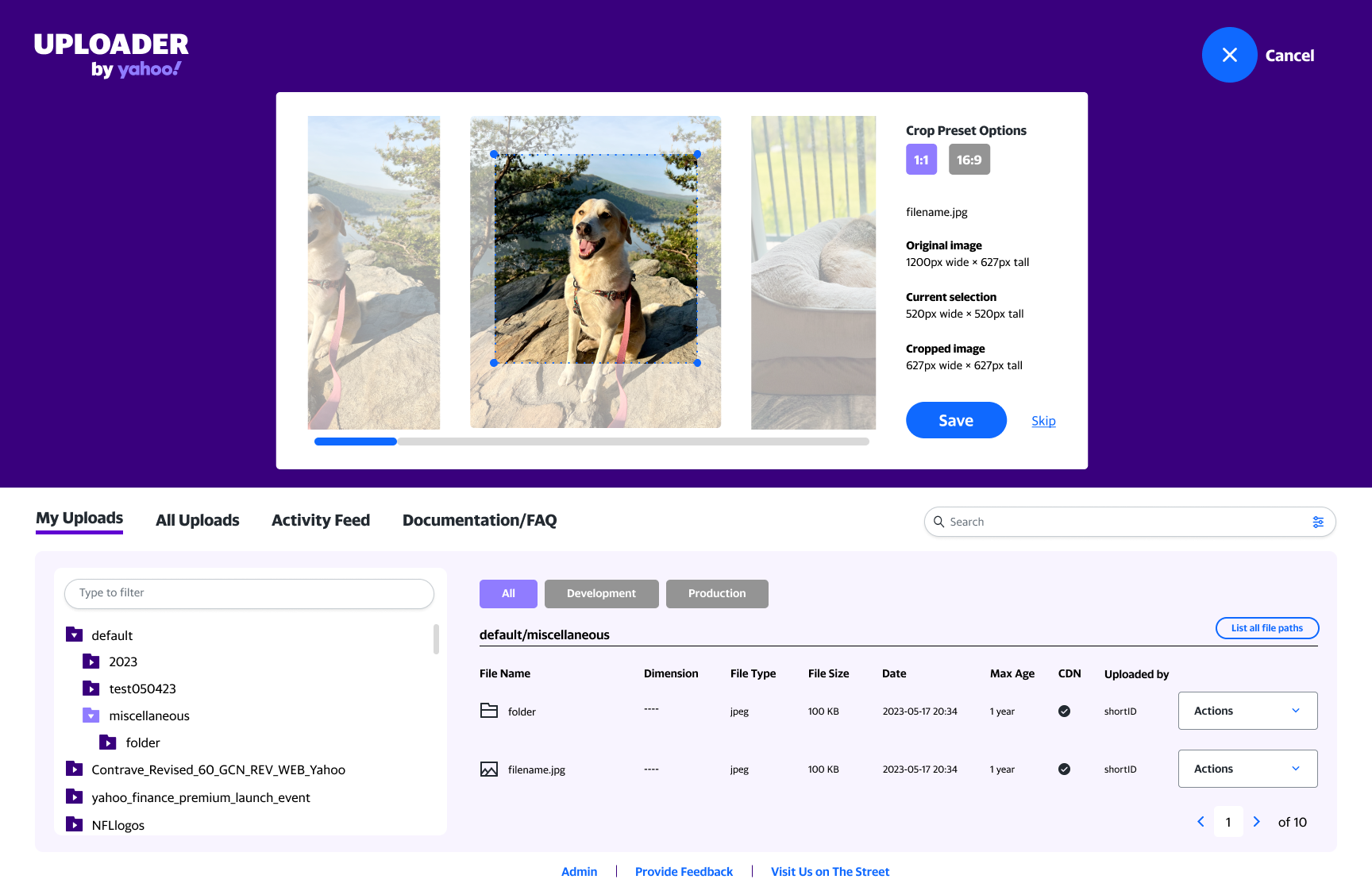
    Incorporate internal tool for cropping so users don’t need to prep their image asset externally.

    In the case of multiple image uploads, a gallery will provide the opportunity to crop before saving.

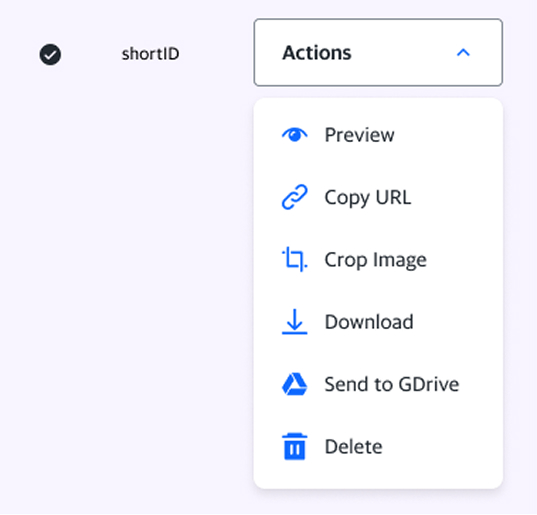
    Adding a couple options to the Actions made the list too long. I moved them into a drop down to allow for labels and to save space.

    Opening the preview modal allows the user to access the other tools/options as well.

    Users can choose to crop at this stage.

    Finding #3

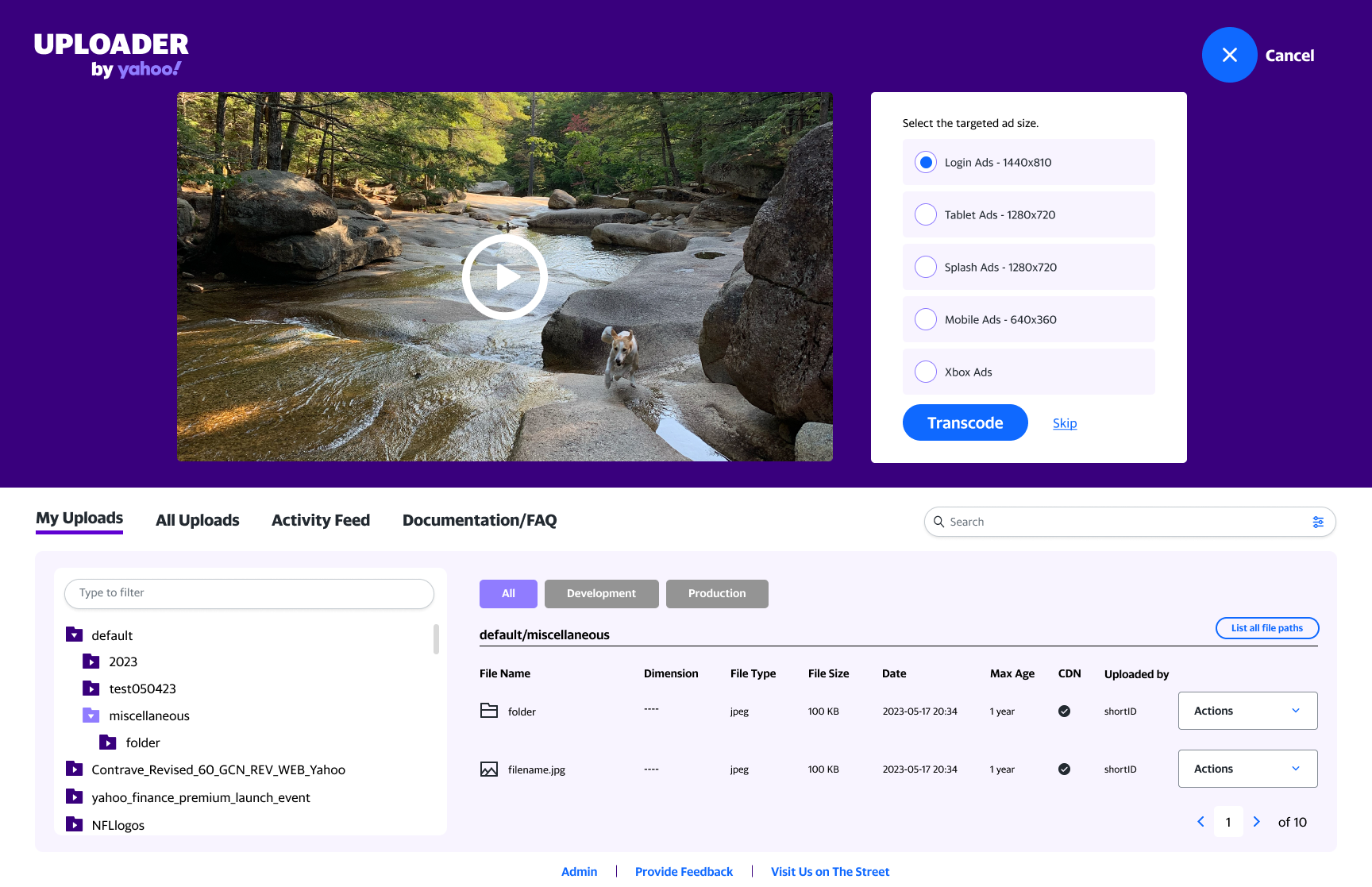
    Add preview and transcode features in the video upload step.

    Finding #4

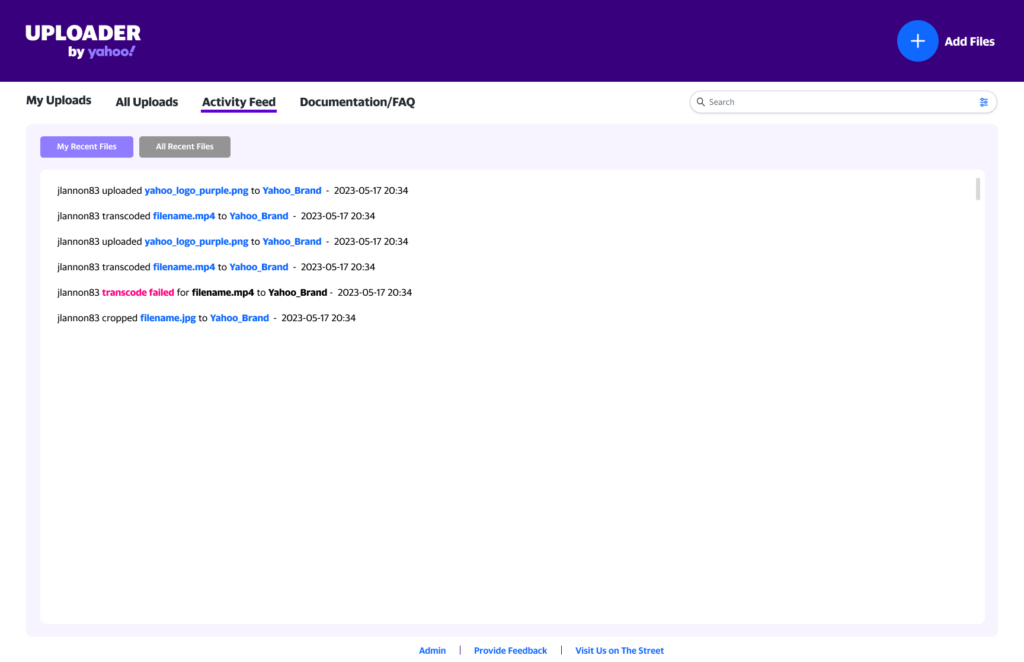
    Add an activity stream for troubleshooting user issues

    Finding #5

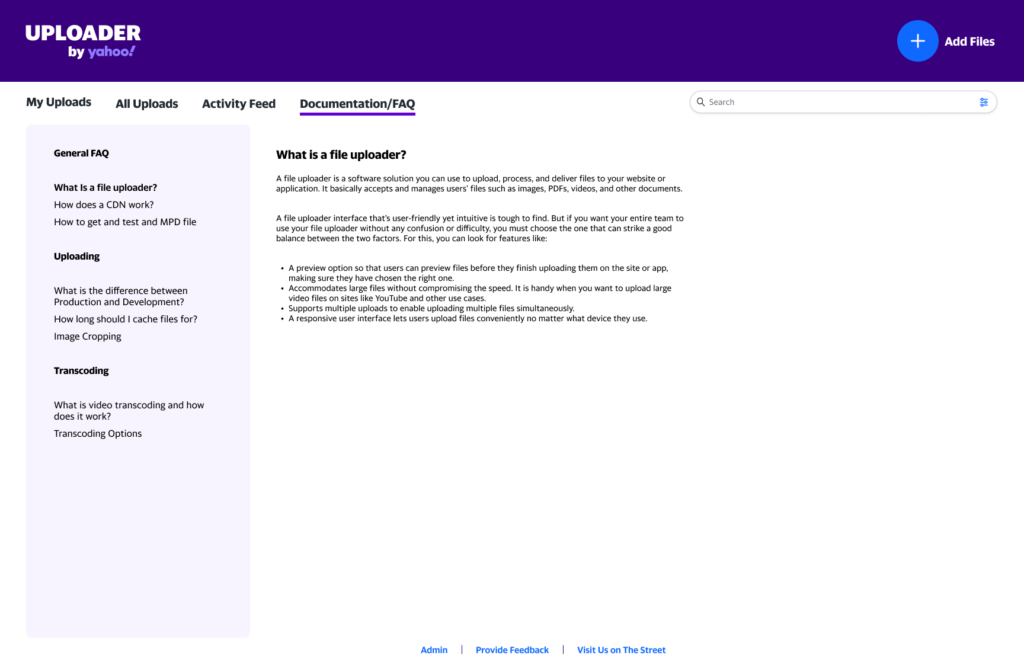
    There is general confusion on what a CDN is so we added an FAQ

    Updated design elements

    Error messages
    Alert bars
    Loading animation

    Tradeoffs

    When the user opens the tool, it loads with the most recent uploads within the entire company. I offered a recommendation to allow for team based directories for privacy and easier file navigation. Since that was not possible due to the current setup and time constraints adjusted designs to add a directory/folder bookmark feature.

    Solution

    The final prototype incorporated a streamlined user flow, reducing clicks by 40%. Tooltips, error messages and progress animations were added for user feedback. The new features allow the user to crop their images either right after upload or later. The video transcode was enhanced by including a video preview at upload.

  • Insight Driven Redesign

    Insight Driven Redesign

    Role
    Lead Designer

    Team
    Project manager, developer, Account director

    Platform
    Desktop, DOOH (Digital Out-of-Home)

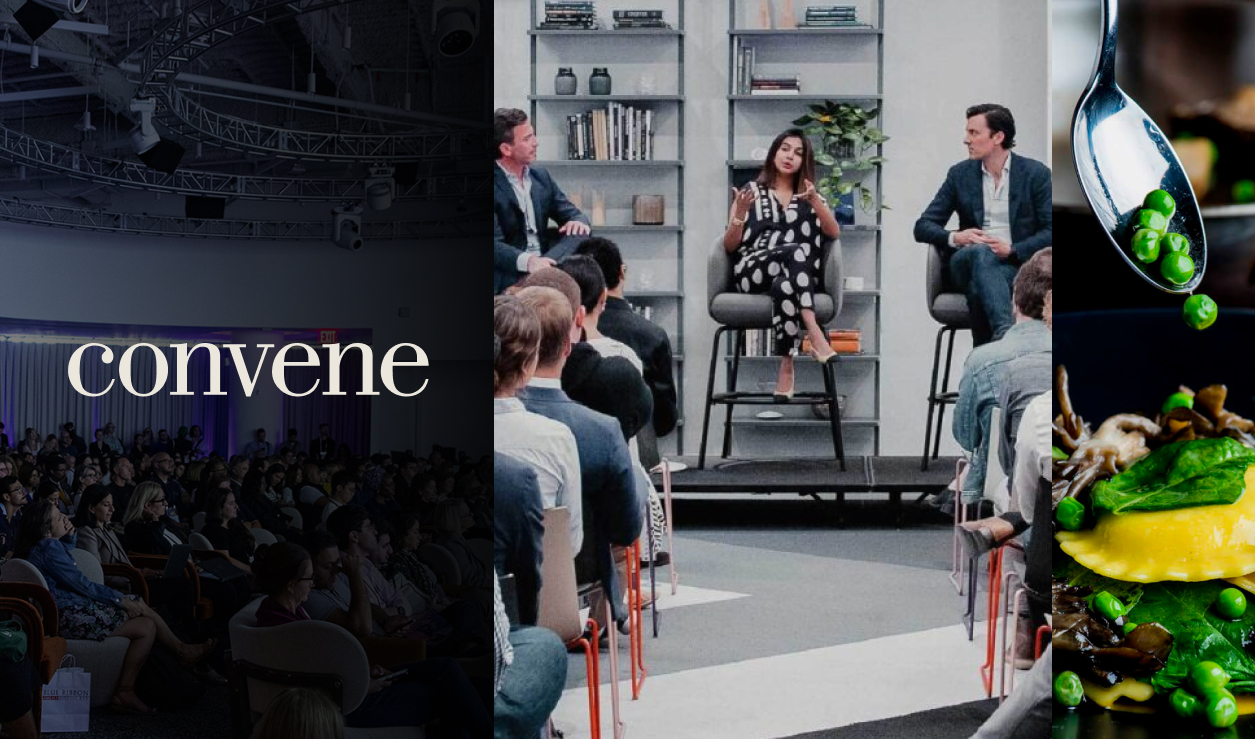
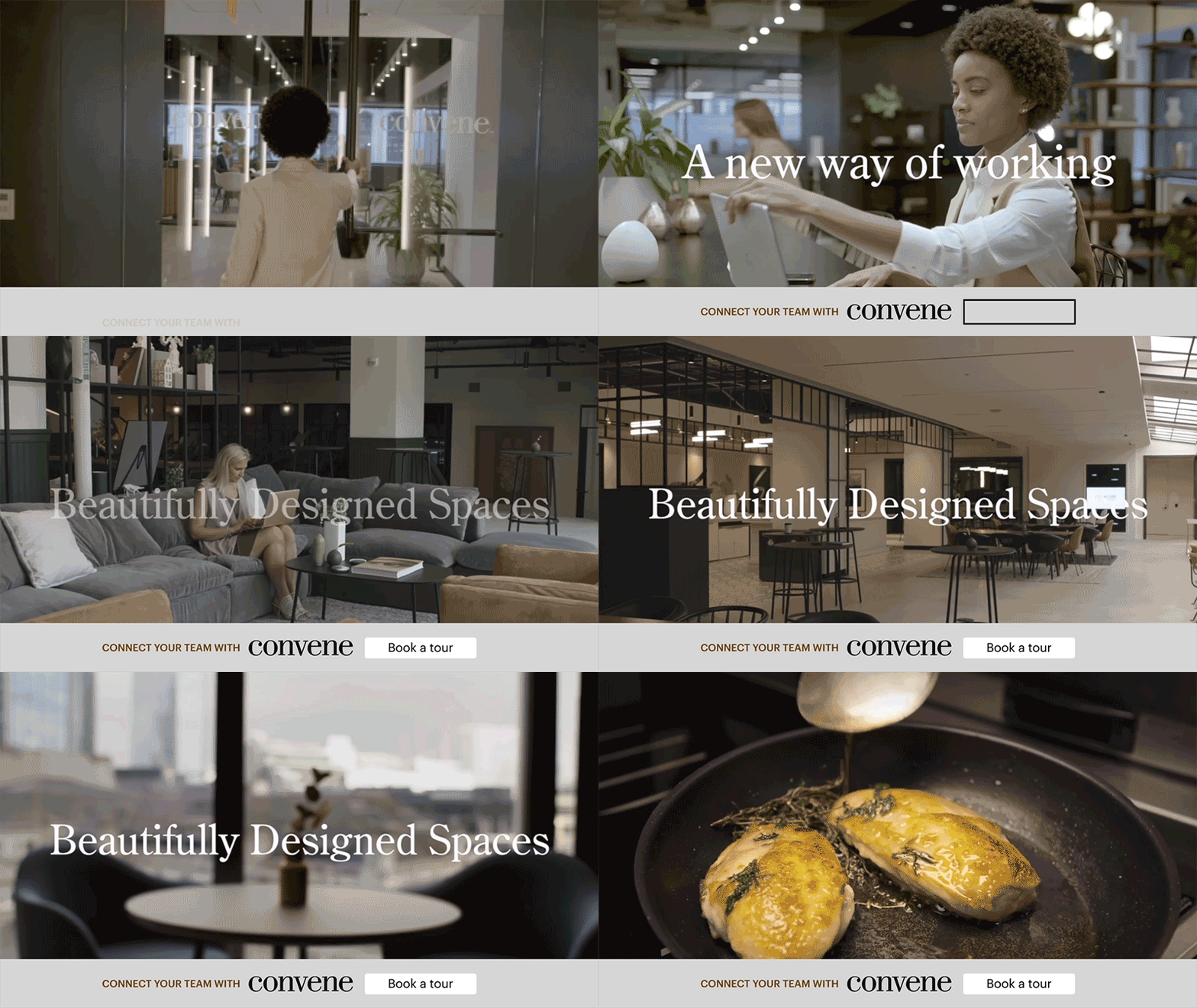
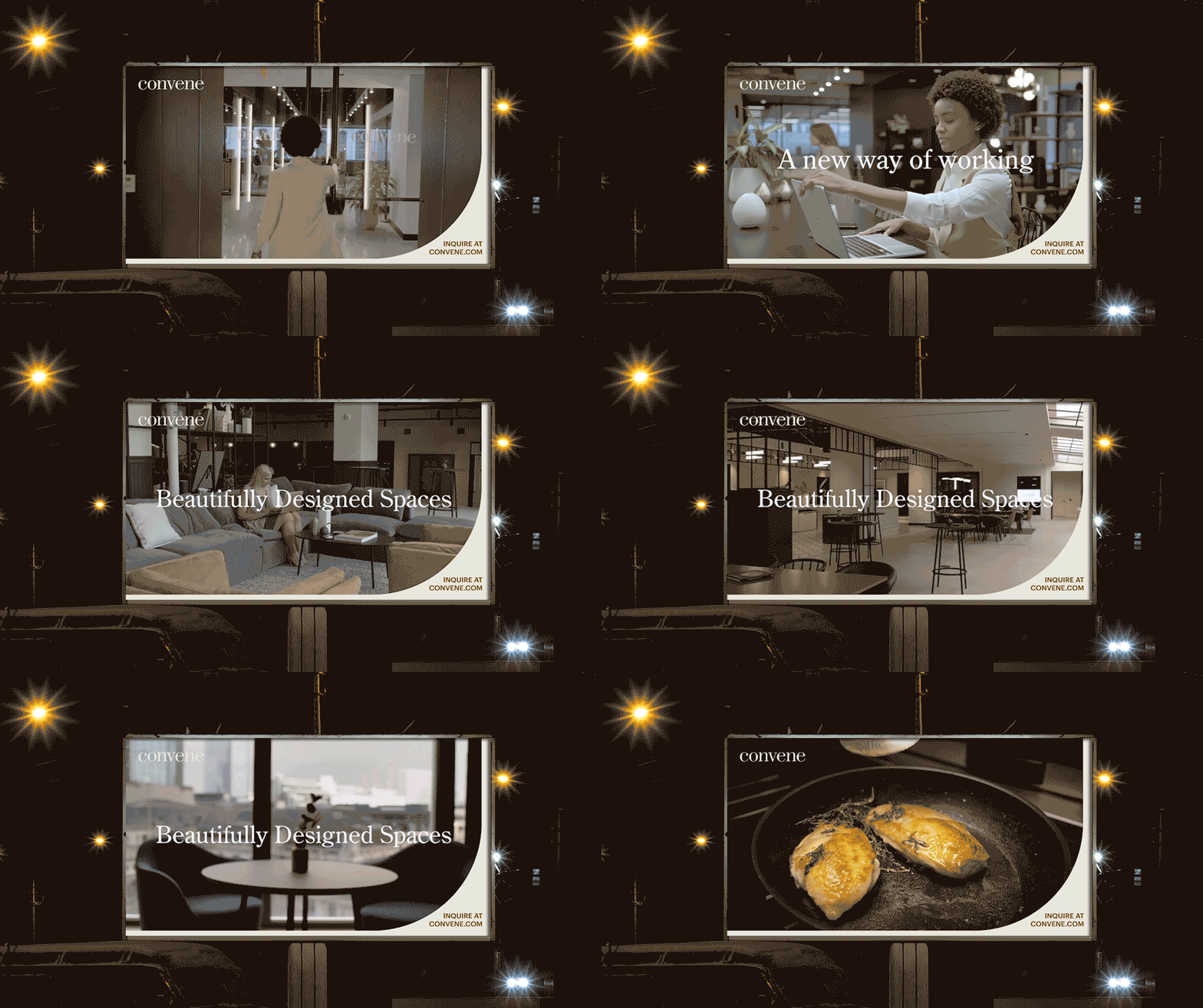
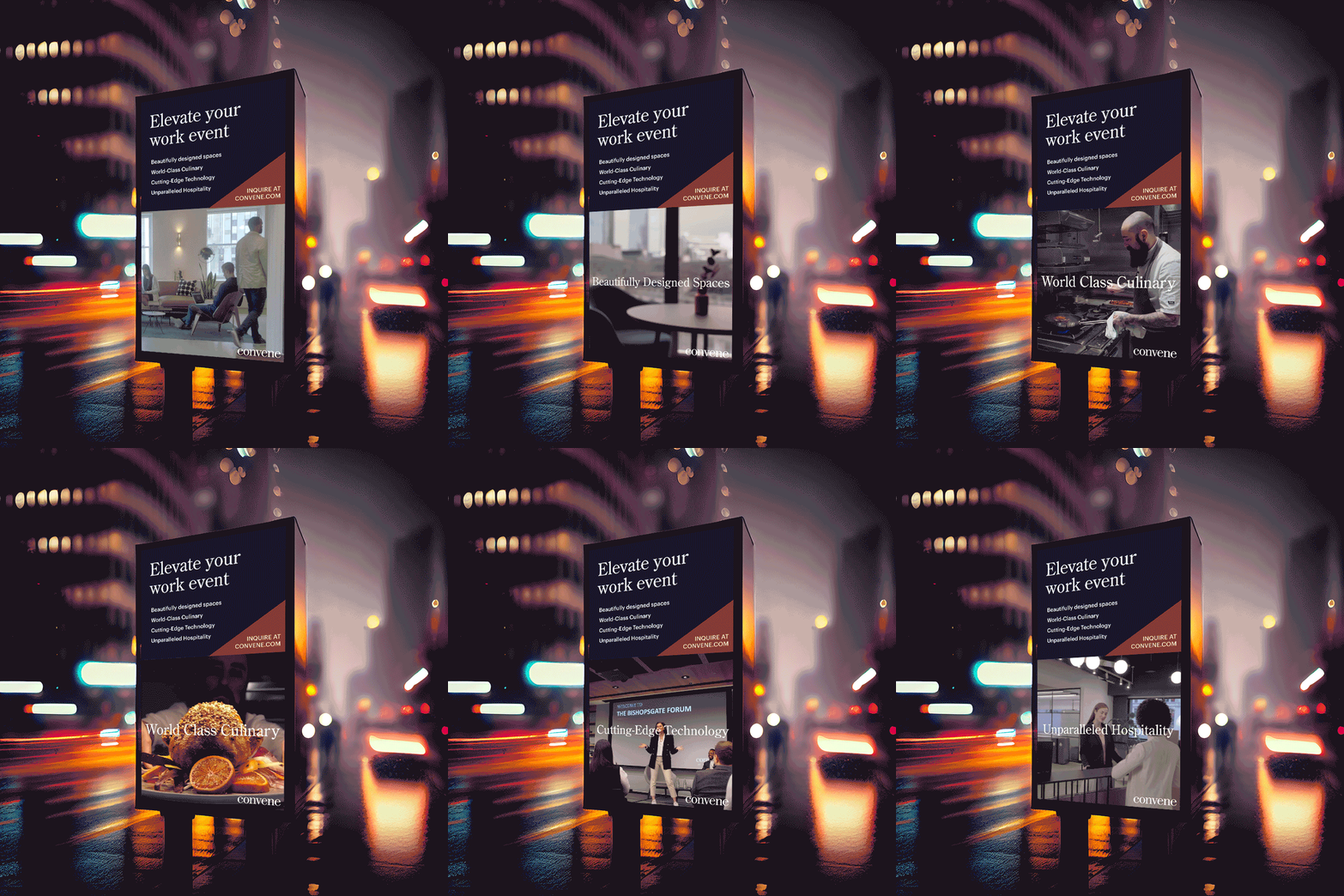
    Convene wanted to refresh their existing advertising to avoid creative fatigue. To continue to capture the consumers attention while increasing engagement, they requested a full service refresh.

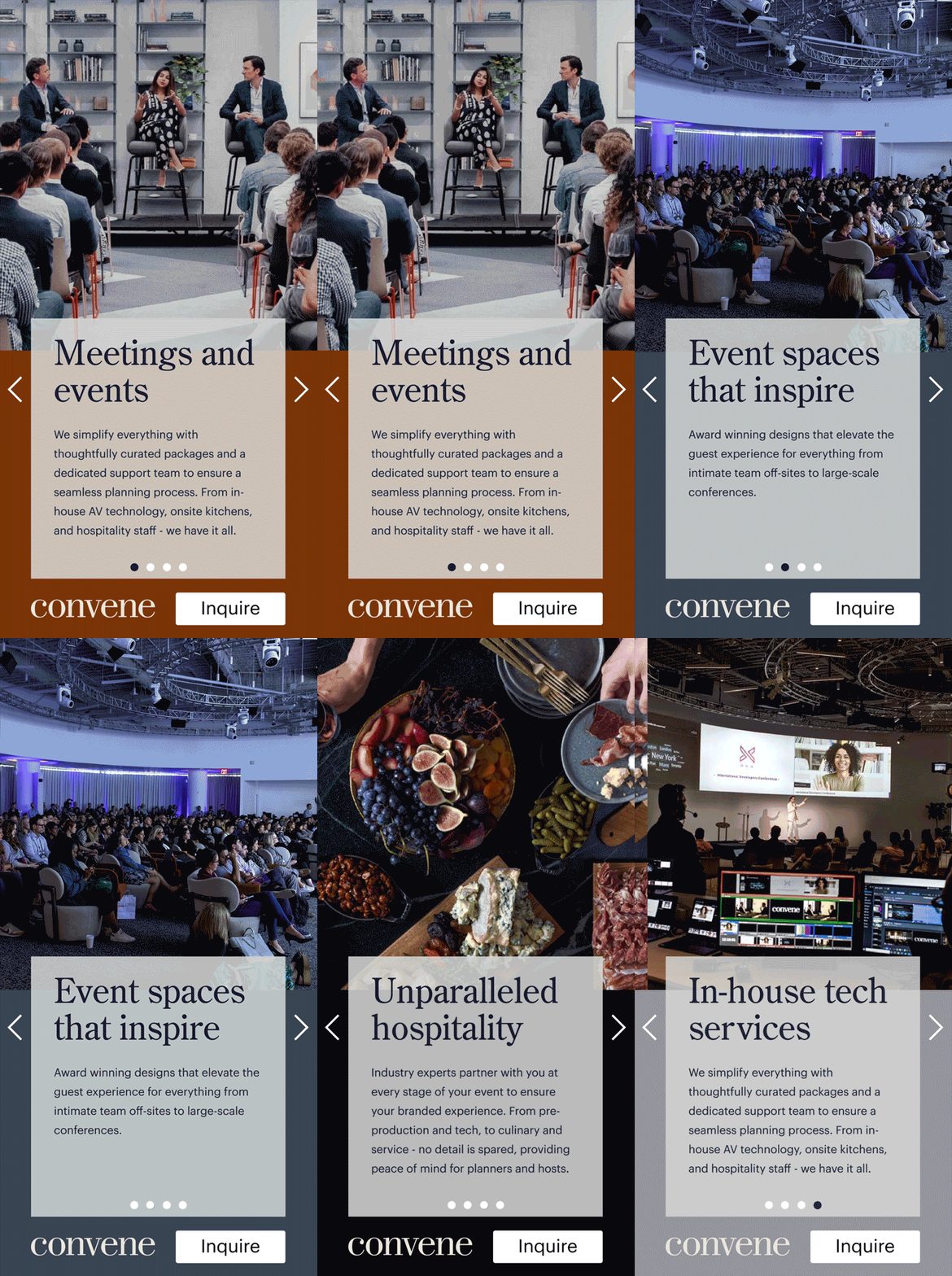
    300×600 carousel
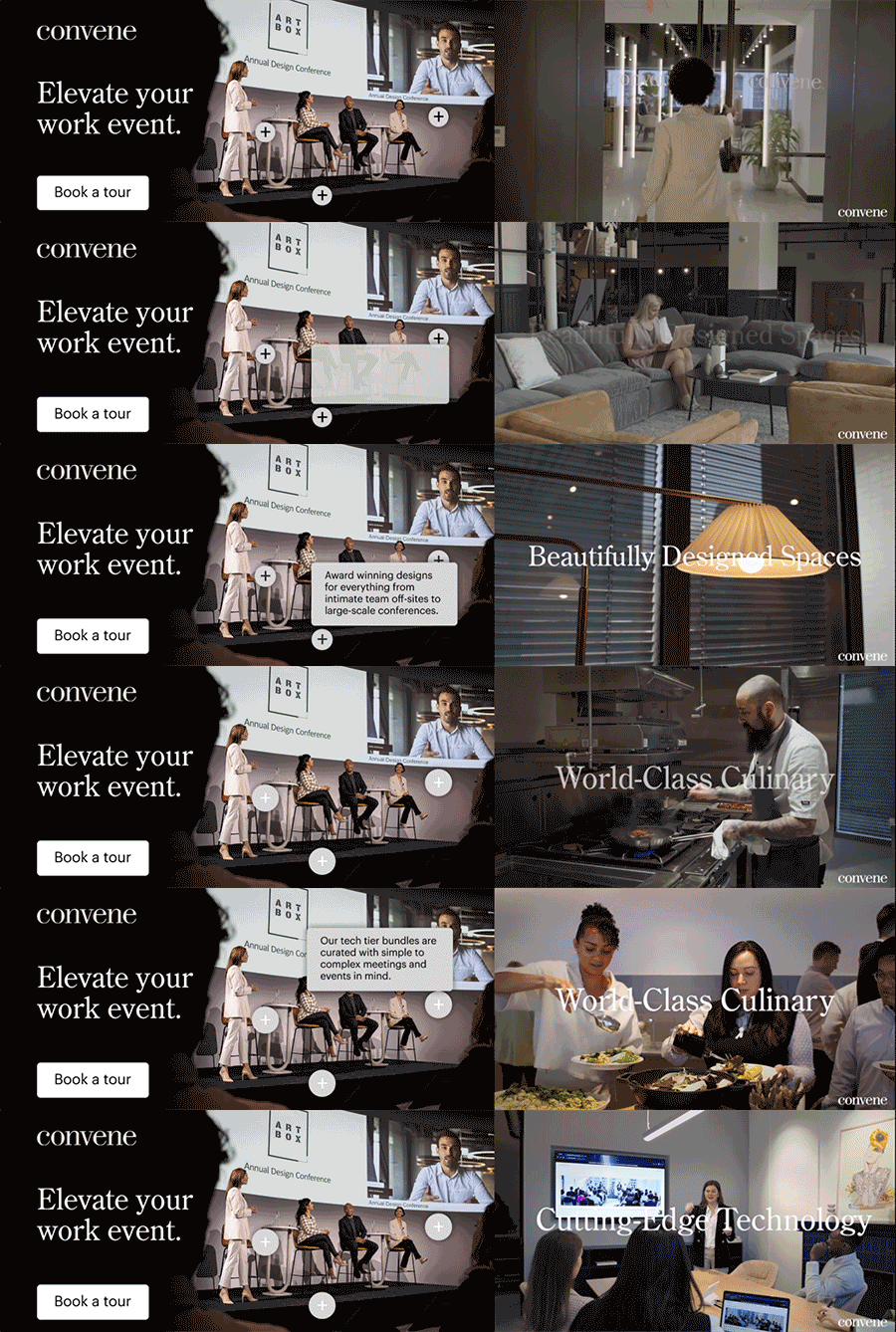
    970×250 touchpoints and video
    728×90 animation
    OLV ad bar

    They were running static banners which only allowed them to showcase one feature or element. With performance goals and best practices top of mind, I designed a range of formats that brought display and OLV to life. These formats included carousel, touchpoints, video, and animation, giving the campaign both reach and versatility while maintaining a consistent visual identity throughout.

    2 times

    16:9 video DOOH
    9:16 video DOOH using social 1:1 asset